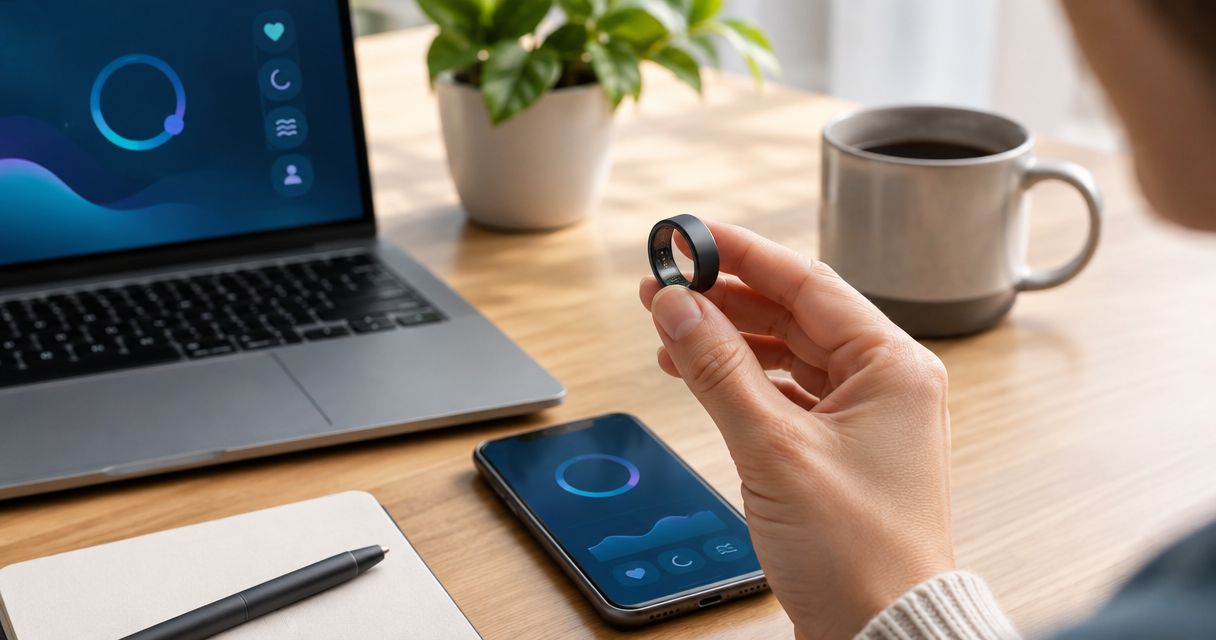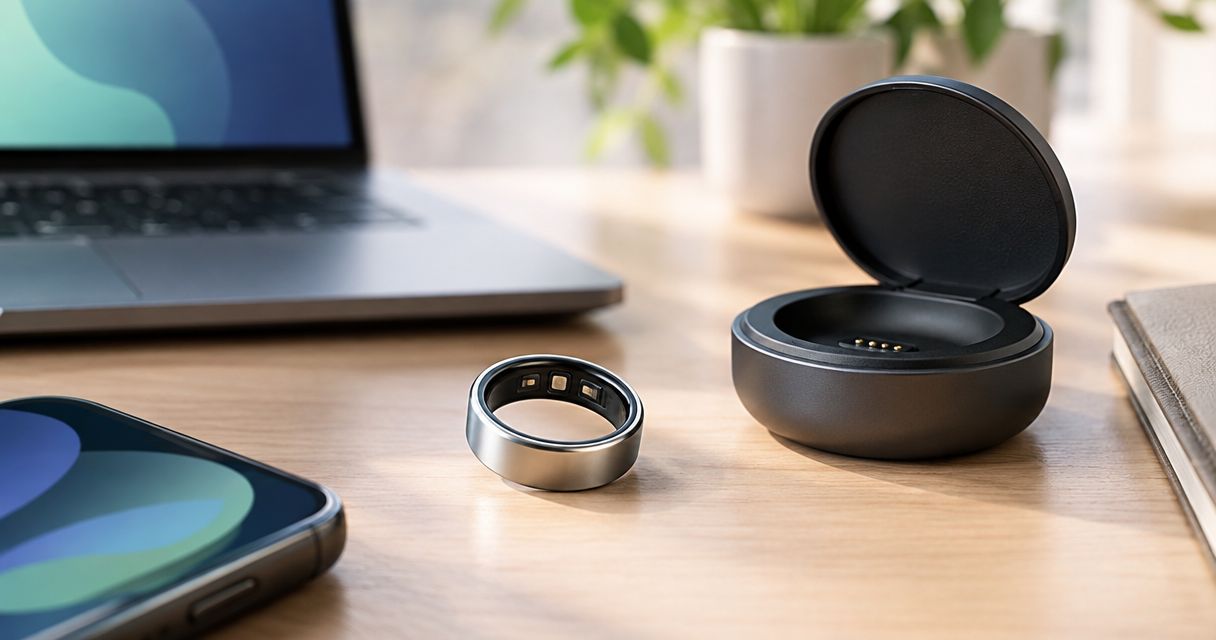
Remote workers’ fitness wearable tracking is the use of a body-worn device to monitor everyday wellness with the aim of building healthier routines around desk-based work. Choose a device you can wear comfortably while typing, taking calls, and sleeping—not simply the one with the longest feature list.
- Choose a fitness wearable for remote workers around comfort and habits, not the longest feature list.
- Actxa offers ring and screenless band options for health-conscious remote workers.
- Spark Band includes sleep, recovery, fitness, and activity tracking; confirm the specific measurements you need before choosing.
- Start with a manual routine, then use wearable tracking to make that routine easier to review.
Why fitness wearable tracking matters for remote workers
Remote work puts your desk, kitchen, and downtime close together. That convenience also means you need deliberate boundaries between focused work, movement, and the end of your day. A wearable provides information; your calendar creates the opportunity to act on it.
Your buying criteria should reflect that setting. Wrist comfort matters when your forearm rests against a desk. Ring fit matters when you type. Overnight comfort matters if sleep tracking is part of your plan. None of those questions is answered by counting features.
Actxa fitness wearables are best for health-conscious remote workers choosing between a discreet ring and a screenless band. The Actxa store offers both formats, but the right choice depends on which measurements and wearing experience you need.
For your 2026 shortlist, separate three questions: what you want to change, what information would help, and whether you will keep wearing the device. Answer them in that order. Buying first and inventing a purpose afterward gives you a device without a routine.
Build a wearable routine around your workday
Define the habit you want to change
Start without buying anything. Write down the part of your workday that needs attention: uninterrupted sitting, an inconsistent bedtime, or exercise that disappears when meetings run late. Choose a behavior you control rather than a score you hope a device will produce.
Make the goal observable. For example, decide to leave your desk after lunch instead of setting a vague intention to become more active. If your schedule changes daily, attach the habit to an event rather than a fixed clock time.
Your first 2026 decision is not ring versus band. It is whether your priority belongs to the workday, your exercise routine, or your evening. That choice determines which device features deserve attention and which are distractions.
- Name the habit: Describe the action in a single sentence.
- Choose the trigger: Use lunch, a meeting ending, or closing your laptop.
- Set the fallback: Choose a smaller action for unusually busy days.
- Define success: Record whether you completed the behavior, not whether a score looked impressive.
Record a baseline before changing everything
Use a notebook, spreadsheet, or calendar to observe your current routine for a suggested 7-day baseline. This is a planning exercise, not a medical testing period. Include both workdays and days off so you can see where your schedule changes.
Record only information you can collect consistently. Note when you start work, when you leave the desk, and when you begin winding down. You do not need to estimate calories or reconstruct every minute of the day.
The purpose is to identify a useful question for a wearable to answer. Perhaps you want sleep information alongside an irregular meeting schedule. Perhaps you mainly need help reviewing daily activity. Keep the baseline simple enough that completing it does not become another job.
- Work blocks: Note where meetings or deadlines crowd out breaks.
- Movement opportunities: Record walks, errands, and time away from the desk.
- Evening boundaries: Note when work ends and wind-down begins.
- Context notes: Mark travel, illness, or unusually demanding days.
Choose the format that fits your desk work
Test your existing jewelry or watch during ordinary desk tasks before comparing devices. Pay attention to typing, using a mouse, washing your hands, and resting your wrist on the desk. That manual check helps identify your physical preferences without assuming a new wearable will feel the same.
A wearable then becomes the faster way to collect the information its documented features support. Spark Band is a screenless smart health band whose description includes sleep, recovery, fitness, and activity. Core Smart Ring is described as a discreet wearable for health-conscious users; confirm its specific measurements rather than assuming it matches the band.
Choose by documented function and tolerable fit, not by shape alone. A ring is not automatically better for sleep, and a band is not automatically better for desk work. Your experience and the model’s specifications decide that.
- Check contact points: Notice pressure against your desk or keyboard position.
- Check fit guidance: Follow the model’s sizing instructions before deciding.
- Confirm measurements: List the exact information you need the device to record.
- Review ownership requirements: Check charging, phone compatibility, and account requirements.
Attach movement to existing work transitions
Use your calendar first. Reserve a short movement opportunity after a recurring work event, rather than expecting a wearable notification to create spare time. A suggested 2-minute break after a call is a scheduling example, not a clinical prescription or a universal target.
Choose an action that works in your home and matches your abilities. Walking to another room, stepping outside, or completing suitable gentle movement can all serve as a deliberate transition. Keep the plan realistic during deadlines.
If your chosen device records relevant activity, use that information to review the routine later. Do not assume every movement appears accurately in every metric. The practical question is whether you left the desk as planned, not whether every small action earned recognition.
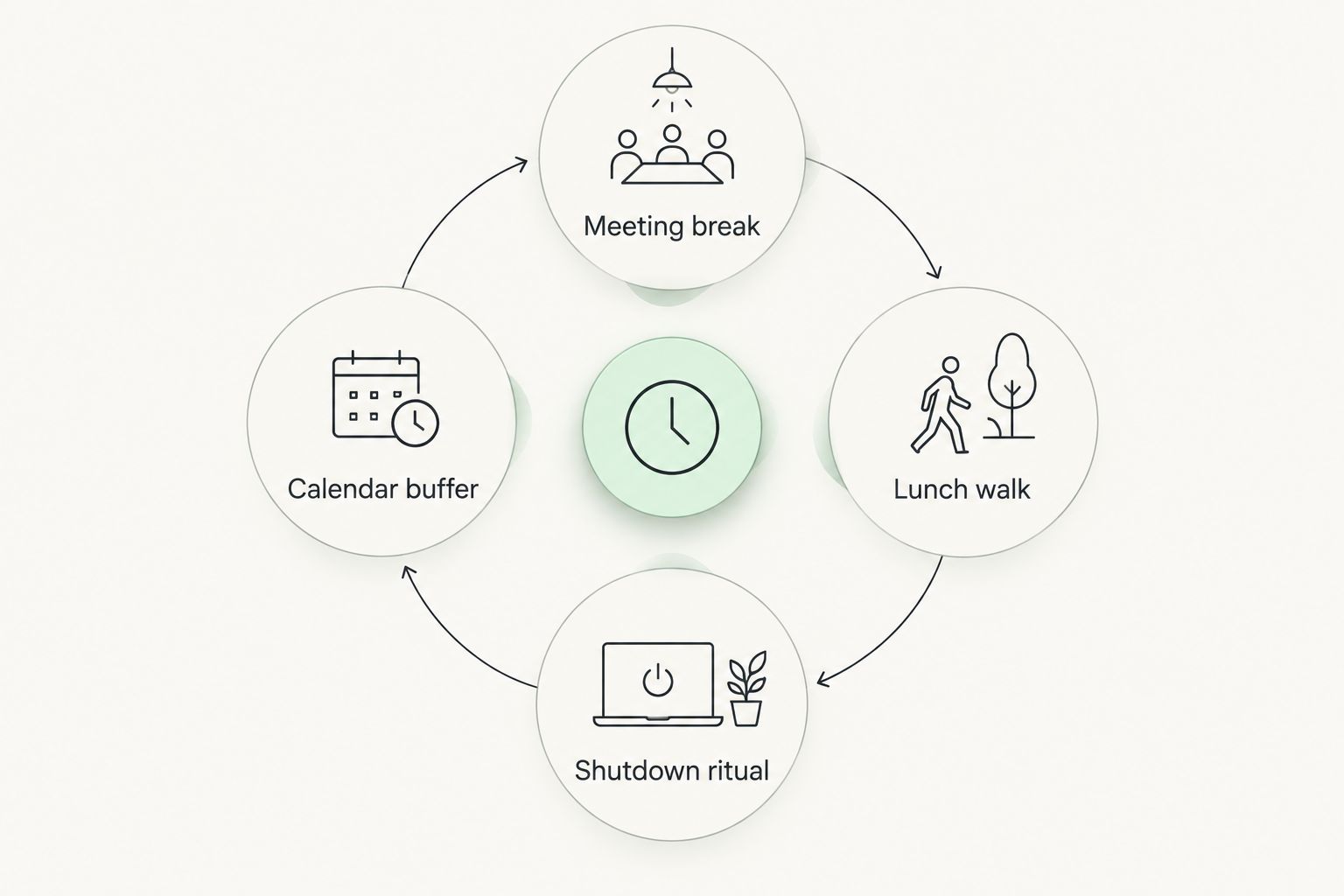
- Meeting break: Leave the desk when a scheduled call finishes.
- Lunch walk: Pair movement with an existing meal break.
- Shutdown ritual: Move away from your workspace after closing the laptop.
- Calendar buffer: Protect transition time instead of booking meetings back to back.
Protect focus and plan overnight use
Start with your phone’s existing notification controls and a written shutdown time. Decide which interruptions deserve your attention during work. Adding a wearable should not turn every meeting into another opportunity to inspect health information.
For a 2026 purchase, distinguish a screenless design from notification behavior. Spark Band is screenless, but that description alone does not establish how its connected experience handles alerts. Check those settings and requirements before treating any device as distraction-free.
If overnight tracking matters, confirm that the selected model supports the sleep information you want. Then assess comfort and plan charging around the times you intend to wear it. A device left on the charger cannot record information during that gap.
- Limit interruptions: Keep only notifications that serve a clear purpose.
- Test desk comfort: Notice rubbing, pressure, or interference during ordinary tasks.
- Plan charging: Choose a repeatable time that fits your intended wearing routine.
- Check overnight fit: Follow the manufacturer’s instructions and stop wearing an uncomfortable device.
Review patterns and change one behavior
Schedule a suggested 15-minute weekly review using your calendar or notes. Compare what you planned with what happened. If you use a wearable, bring its relevant records into that review rather than checking individual readings throughout the day.
Look for repeatable situations you can act on. If late meetings repeatedly displace your walk, move the walk earlier. If you stop wearing the device because it bothers you at the desk, address fit or reconsider the format rather than treating incomplete records as a motivation problem.
For the rest of 2026, keep the review focused on decisions. Consumer wellness information supports reflection; it does not establish a diagnosis or explain every change in how you feel. Persistent symptoms belong in a conversation with a qualified clinician.
- Compare routines: Review ordinary workdays separately from unusual days.
- Check completeness: Identify periods when the device was not worn.
- Choose one change: Adjust a specific behavior before rewriting your whole routine.
- Record the decision: Note what you changed so the next review has context.
Compare the options for your remote-work routine
Best for building habits before buying: manual notes and calendar reminders. They make your intentions explicit, but you must enter information yourself. Wearables add recorded information only where their features support it; they do not replace the calendar space needed to act.
Use this comparison to choose a role, not to assume that every option measures the same things. The scale belongs in a separate category because body-composition tracking is different from monitoring a desk-based day.
| Option | Best for | Practical advantage | Key limitation |
|---|---|---|---|
| Manual notes and calendar reminders | Establishing a workday routine | Connects a planned action to a specific event | Requires manual entries and does not collect wearable sensor data |
| Spark Band | Remote workers seeking a screenless band | Its description includes sleep, recovery, fitness, and activity | Screenless does not establish notification behavior; verify the measurements you need |
| Core Smart Ring | Health-conscious workers who prefer discreet ring wear | Offers health tracking in a ring format | Fit needs attention, and the supplied description does not specify individual measurements |
| Sense 2 Smart Scale | People adding body-composition information to a separate routine | Extends tracking beyond body weight | It is not a wearable and cannot replace workday activity tracking |
Actxa offers both wearable formats below. Choose Spark Band for its stated tracking areas; consider Core Smart Ring when ring wear is your priority and its confirmed features meet your needs. Neither format earns a recommendation solely because it is smaller or less visible.


Common mistakes remote workers make
Buying for workouts while ignoring desk comfort
A wearable spends time with you outside exercise. If it presses against your desk or distracts you while typing, those ordinary tasks become reasons to remove it. Evaluate your working posture and everyday contact points before prioritizing extra features.
Treating a strong activity total as a break schedule
A daily summary does not show that your calendar protected movement opportunities throughout the workday. Review when you actually left the desk alongside whatever activity information your device provides. Keep the behavior and the measurement separate.
Assuming screenless means interruption-free
A missing screen answers a hardware question, not every question about notifications or connected software. Check the actual settings. Otherwise, you can choose a screenless wearable and still spend your breaks repeatedly opening your phone.
Treating wellness information as a medical answer
Sleep, recovery, body-composition, and other wellness information need context. Do not interpret a score or a glucose-awareness description as proof that a device diagnoses a condition. Check the manufacturer’s stated purpose and discuss health concerns with a qualified clinician.
Building a routine that only works on quiet days
A perfect schedule is not a useful baseline for deadline weeks. Give each habit a smaller fallback: a brief break instead of abandoning movement entirely, or a short review instead of skipping it. Your 2026 routine should survive ordinary work pressure.
FAQ
What's the best fitness wearable for remote workers?
The best fitness wearable for remote workers is one that supports their chosen measurements and remains comfortable during desk work. Spark Band suits buyers seeking its stated sleep, recovery, fitness, and activity features; Core Smart Ring suits those prioritizing discreet ring wear after checking its specific functions.
Is a smart ring better than a band for working from home?
Neither format is automatically better for working from home. Compare typing comfort, fit, documented measurements, and charging requirements rather than assuming a ring or band will suit everyone.
Can I build healthier work habits without a wearable?
Yes, you can start with calendar reminders and a simple habit log. A wearable adds relevant recorded information, but you still need time and a plan to act on it.
Does a screenless fitness band eliminate distractions?
A screenless band removes an on-device screen, not necessarily every connected notification. Check notification controls and decide when you will review information on your phone.
Should I use a smart scale instead of a wearable?
A smart scale serves a different purpose from a wearable. Sense 2 Smart Scale provides body-composition information, while a wearable supports the tracking functions documented for that model during wear.
Can a fitness wearable diagnose why I feel tired?
A consumer fitness wearable does not establish a diagnosis for tiredness. Use wellness information as context and discuss persistent or concerning symptoms with a qualified clinician.
What should I check before buying an Actxa wearable?
Check the exact measurements, sizing instructions, phone compatibility, charging requirements, and intended use for the model you are considering. Confirm sleep features explicitly if overnight tracking is central to your routine.
One last thing
Check your calendar before you check another specification. If there is no space to leave the desk, a wearable cannot create that space for you.
Before buying in 2026, reserve a repeatable movement opportunity and a weekly review. Then choose the device that helps you follow that plan. The useful outcome is a workday you can sustain, not a growing collection of unread measurements.