Best overall: Garmin vívosmart 5. Best for steps plus sleep tracking: Fitbit Inspire 3. Best for display customization: Xiaomi Smart Band 9. Spark Band from Actxa is the screenless activity option to consider after confirming its step-counting features; this 2026 guide separates straightforward walking trackers from broader wellness wearables.
- Garmin vívosmart 5 is the best fitness band for step tracking when an on-wrist step display is your priority.
- Fitbit Inspire 3 suits walkers who also want sleep tracking alongside daily activity.
- Xiaomi Smart Band 9 suits buyers who want a touchscreen with customizable watch faces.
- Actxa Spark Band suits screenless activity tracking; confirm step counting and how you view totals before choosing it.
Why this matters
A useful step tracker answers a simple question: how much have you walked today? Extra wellness features do not replace a readable total, comfortable fit, and a routine that keeps the device on your wrist.
For your 2026 shortlist, separate counting steps from showing steps conveniently. A screen-equipped band lets you check progress on your wrist. A screenless band requires another way to review it, so the viewing method belongs in your buying decision—not just the feature list.
Start with how you intend to use the count. Checking progress during a walk, reviewing activity after work, and comparing walking with sleep are different jobs. The best choice makes your main job easy without adding features you never open.
What makes the best fitness band for step tracking?
Use these criteria before choosing a brand:
- Step visibility: You should be able to find your current total without searching through unrelated health information. Decide whether an on-wrist display is essential.
- Everyday fit: A tracker only records movement while you wear it. Check the fastening, wrist fit, and comfort during ordinary activities.
- Repeatable counting: Compare the band with a manually counted walk. Repeat the check rather than judging it from a single result.
- Useful history: Daily totals help with immediate goals; activity history helps you recognize whether your walking routine is changing.
- Manageable upkeep: Check charging requirements, phone compatibility, and account requirements before committing to a device.
- Relevant extras: Sleep or heart-rate tracking earns its place only if you will use that information. More measurements do not automatically make a better walking tracker.
These criteria favor convenience and repeatability over the longest feature list. They also keep accuracy claims separate from practical recommendations: a band can be easier to use without being proven more accurate than another.
Best fitness bands at a glance
| Fitness band | Best for | Standout feature | Key limitation |
|---|---|---|---|
| Garmin vívosmart 5 | Checking steps during everyday walks | Step tracking with an on-wrist display | The narrow display provides limited viewing space |
| Fitbit Inspire 3 | Reviewing steps alongside sleep | Activity and sleep tracking in one band | Its small display suits quick checks better than detailed review |
| Xiaomi Smart Band 9 | Choosing how activity appears on screen | Touchscreen with customizable watch faces | Display choices need setup to keep steps easy to find |
| Spark Band | Screenless activity tracking | Screenless design with fitness, activity, sleep, and recovery features | No on-wrist screen; confirm step-counting details before choosing it |
This is a use-case ranking, not a measured accuracy leaderboard. The table identifies the job each option fits; it does not claim that one sensor counts every walking situation better than the others.
1. Garmin vívosmart 5: best fitness band for everyday step checks
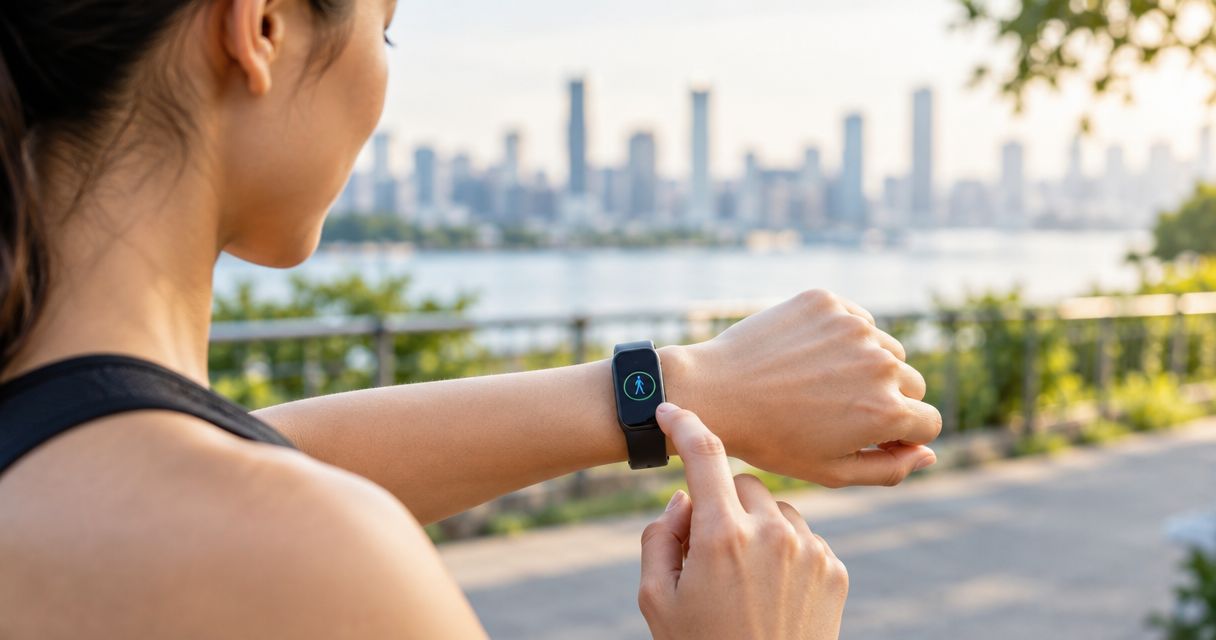
Garmin vívosmart 5 tracks steps and presents activity information on your wrist. Its display makes it a practical default when you want to check progress during a walk rather than reach for your phone.
Choose this approach if walking is your main reason for buying a wearable. You can keep the decision focused on the daily step total, then use other health features only when they serve your routine. That is a cleaner starting point than buying around measurements you do not intend to review.
Garmin vívosmart 5 pros:
- On-wrist step information supports quick progress checks.
- Activity tracking fits a walking-focused routine.
- Heart-rate tracking adds context beyond the daily step total.
- The band format provides an alternative to a full smartwatch.
Garmin vívosmart 5 cons:
- The narrow display limits how much information you can review at once.
- Detailed trend review requires more than a glance at the wrist.
- An on-wrist display does not establish counting accuracy by itself.
Best for: Walkers who want to see their daily steps while they are moving.
For a 2026 purchase, check phone compatibility and inspect how the step total appears before choosing Garmin vívosmart 5. Verdict: Buy for straightforward on-wrist step checks; do not buy on an unsupported accuracy claim.
2. Fitbit Inspire 3: best fitness band for steps plus sleep tracking
Fitbit Inspire 3 combines daily activity tracking with sleep tracking. It suits you when walking is part of a wider routine and you want to review movement and sleep without switching between different wearables.
The distinction is purpose, not a claim that sleep tracking improves step counting. You are choosing an additional kind of information. Keep daily steps easy to find, then decide whether the sleep history helps you maintain habits you care about.
Fitbit Inspire 3 pros:
- Step tracking supports an everyday walking routine.
- Sleep tracking adds a separate view of your overnight habits.
- A touchscreen provides on-wrist access to activity information.
- The band format keeps the comparison focused on a smaller wearable rather than a smartwatch.
Fitbit Inspire 3 cons:
- The small screen is better suited to quick checks than detailed analysis.
- Wearing a device overnight introduces another comfort requirement.
- Extra wellness information can distract from a simple walking goal.
Best for: Walkers who want step totals and sleep tracking in the same wearable.
Before choosing Fitbit Inspire 3, identify which information you expect to review regularly. Check current account and feature requirements rather than assuming every advertised service works the same way. Verdict: Buy for the combined steps-and-sleep use case; skip the extra complexity if you only want a daily count.
3. Xiaomi Smart Band 9: best fitness band for display customization
Xiaomi Smart Band 9 tracks activity and uses a touchscreen with customizable watch faces. Its distinct appeal here is presentation: you can choose how information appears rather than accepting a single fixed view.
For step tracking, customization is useful only when it reduces effort. Select a watch face that makes activity information readable, then check whether your step total is visible or requires opening another screen. A decorative face is not automatically a useful walking dashboard.
Xiaomi Smart Band 9 pros:
- Step tracking supports daily walking checks.
- A touchscreen lets you review information on your wrist.
- Customizable watch faces give you control over presentation.
- Activity features provide options beyond counting ordinary walking steps.
Xiaomi Smart Band 9 cons:
- Watch-face choice adds setup rather than removing it.
- A visually busy face can make your main measurement harder to find.
- Customization does not prove greater counting accuracy.
Best for: Buyers who want to choose how daily activity appears on their band.
Treat the display as a tool, not the reason to ignore fit or phone compatibility. For your 2026 selection, confirm the exact model and companion app requirements before choosing Xiaomi Smart Band 9. Verdict: Buy for display control; skip it if you want no settings to manage.
4. Spark Band: best activity band for a screenless routine
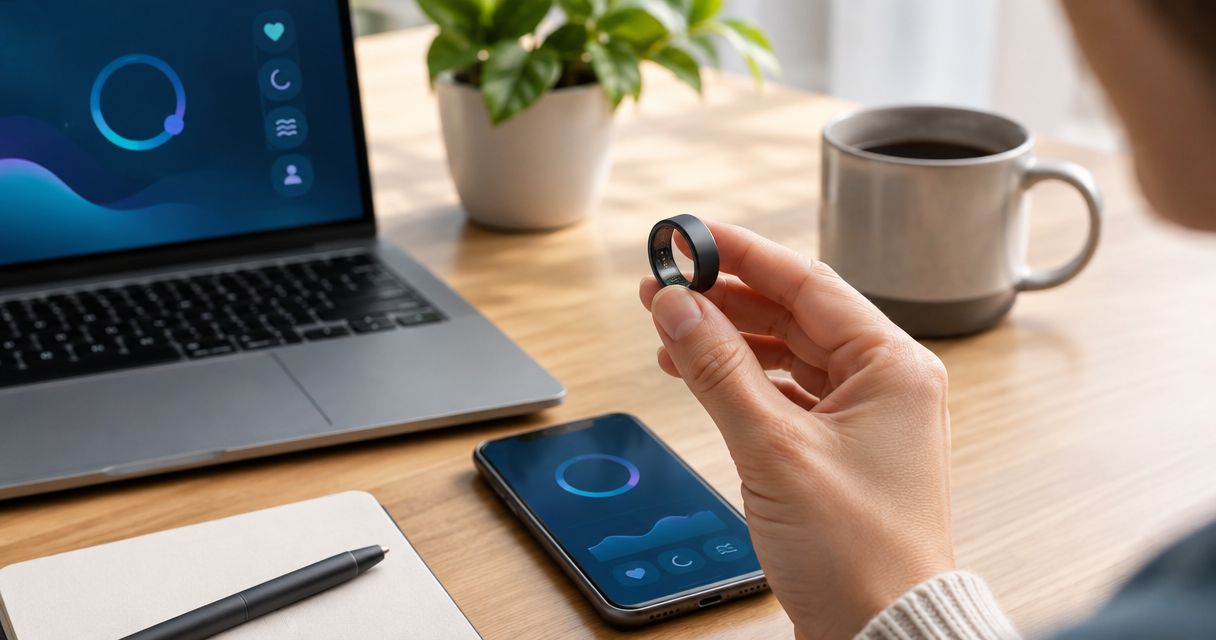
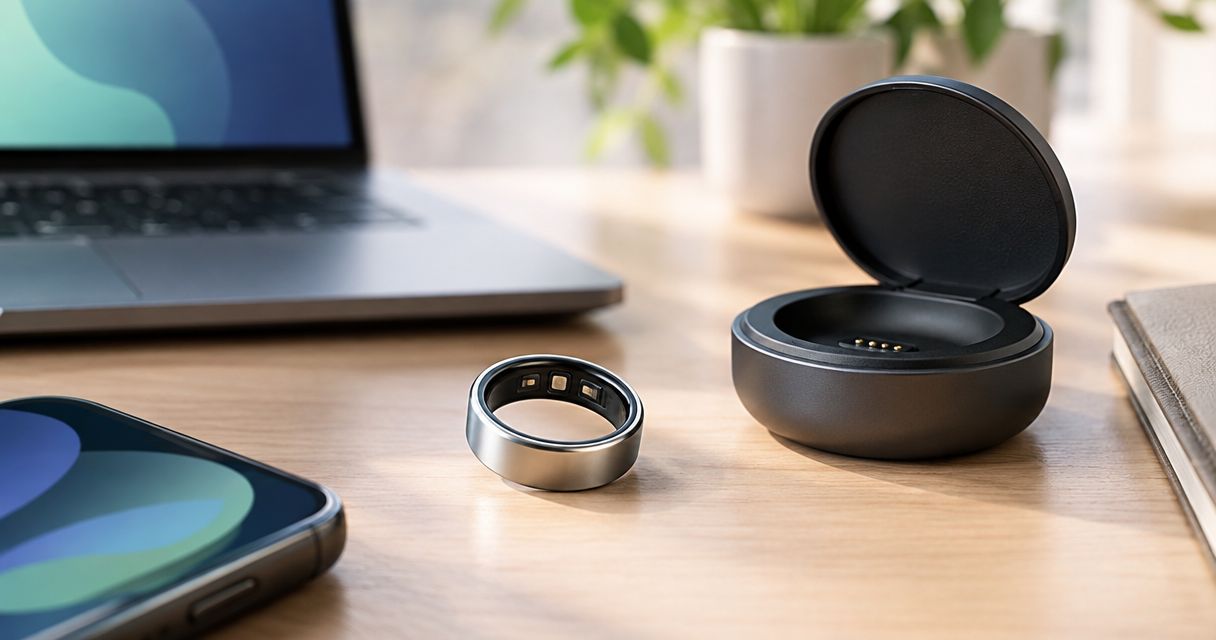
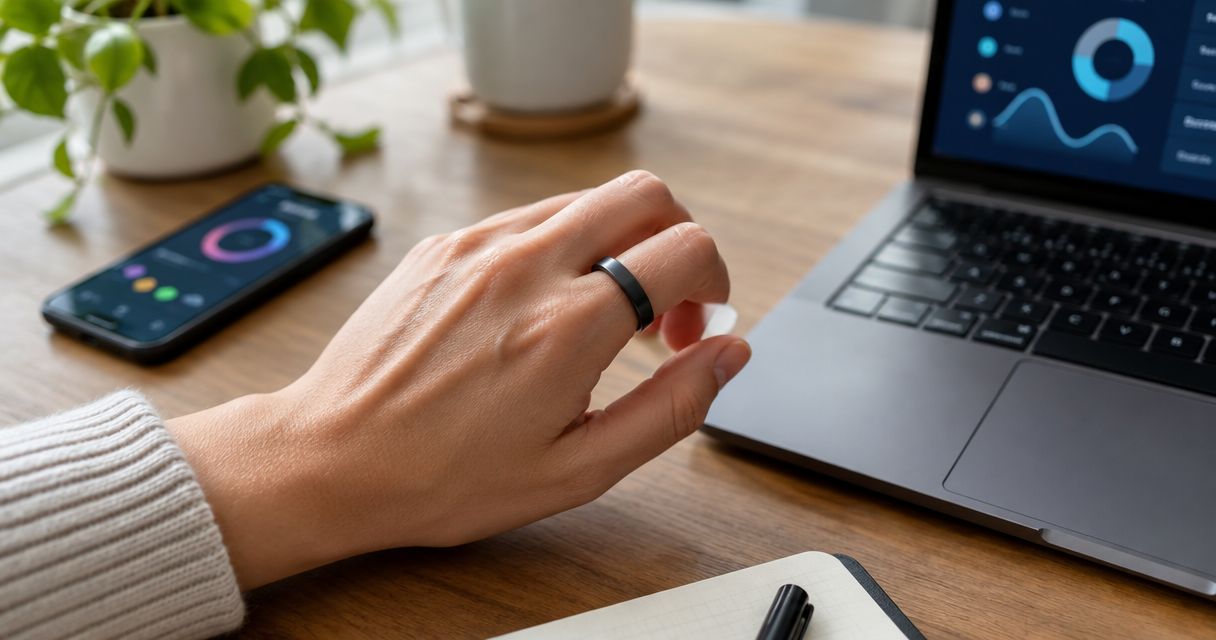
Actxa Spark Band is a screenless smart health band whose stated features include fitness, activity, sleep, and recovery. It belongs in this comparison as an alternative to a screen-equipped tracker, not as an automatic winner for step counting.
Actxa Spark Band is best for buyers who want screenless activity tracking. If your main requirement is a daily step total, confirm that Spark Band records steps and establish exactly where you review them before selecting it. General activity tracking is not enough to answer those questions.
Spark Band pros:
- The screenless design suits buyers who do not want a wrist display.
- Fitness and activity are included in its stated wellness scope.
- Sleep and recovery features broaden the use case beyond daytime movement.
Spark Band cons:
- There is no on-wrist screen for checking a step total.
- Step counting and the viewing workflow need confirmation before a step-focused purchase.
- Its broader wellness scope is unnecessary if you only want a visible walking count.
Best for: Buyers who prefer screenless activity tracking and are willing to review information away from a wrist display.
Do not infer step-counting functions from the word fitness. Verdict: Hold for a step-focused purchase until the counting and viewing workflow are confirmed; choose a display-equipped band if immediate wrist checks are essential.
Match the band to your routine
Your preferred way to review activity should narrow the shortlist before secondary features do. Choose Screen first for checks during walks, Sleep context for reviewing overnight habits alongside activity, Display control for choosing your wrist layout, or Screenless routine if you deliberately want no display.
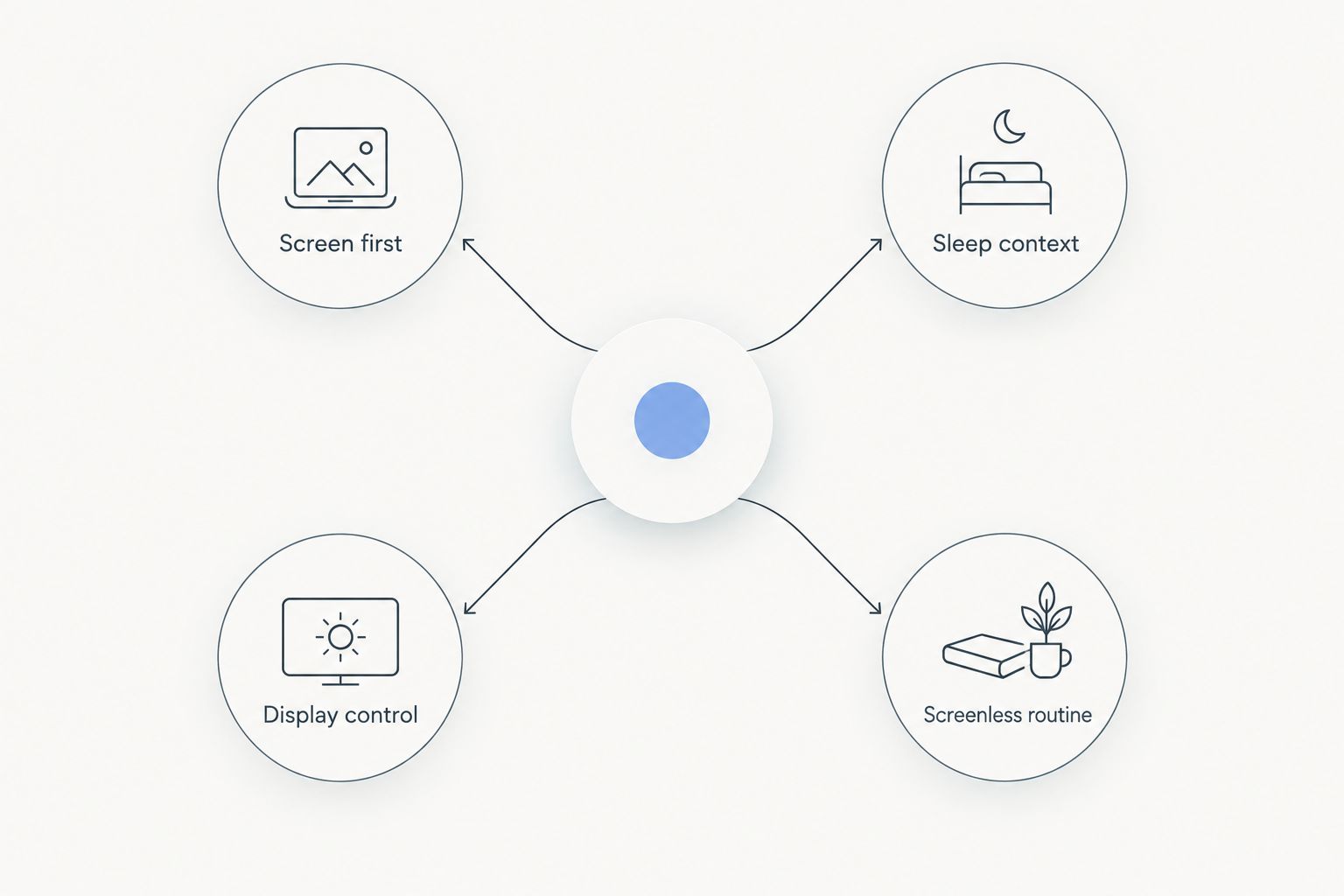
Do not treat these branches as interchangeable. Someone checking progress during a lunch walk has a different requirement from someone reviewing the day at home. Write down your primary requirement before comparing feature lists; that keeps an appealing extra from displacing the reason you wanted a tracker.
How to check a step tracker after setup
A home check helps you understand your own device. It does not establish laboratory accuracy or prove that the same result applies to other people.
Start with a counted walk
Note the band's starting total, then walk 100 steps while counting manually. Compare the change in the displayed total with your count, following the manufacturer's guidance on when readings update.
Repeat the exercise on 2 separate walks. These are practical check lengths, not certification thresholds. Keep the route and pace similar so you are not changing several conditions while trying to understand the result.
Check your usual walking conditions
Repeat the check in situations that represent your day. Ordinary walking, holding a bag, and pushing a cart are different movement patterns; do not assume one short test represents all of them.
Wrist trackers estimate steps from motion, so the count is not a direct observation of your feet. A manual comparison gives you a clearer basis for deciding whether the readings are useful for your routine.
Review wear time before interpreting trends
Use the band through a 7-day review period and record when you remove it. This is a suggested familiarization period, not a scientific accuracy standard.
A lower total means less recorded movement, but it does not explain why. Check whether you wore the tracker throughout the day before concluding that your walking declined. Charging time, forgotten wear, and a different daily routine all belong in that review.
Keep comparisons consistent
Compare trends from the same device and similar wear habits. Switching between a phone, a band, and another wearable changes the measurement setup.
If the count seems wrong, repeat your manual check before changing your activity goal. Persistent problems deserve a review of fit, settings, and the manufacturer's troubleshooting instructions—not an assumption that you need to walk more.
How this 2026 ranking works
The ranking prioritizes visible step information, a clear use case, and practical daily use. Garmin vívosmart 5 takes the default slot for wrist checks; Fitbit Inspire 3 takes the steps-and-sleep slot; Xiaomi Smart Band 9 takes the display-customization slot.
Spark Band has a different role because its screenless design changes how you review information. Keeping that distinction explicit is more useful than pretending every wellness band serves the same walking routine.
There is no numerical accuracy score attached to these picks. A best-for recommendation is not evidence of better sensor accuracy. Use the shortlist to choose a workflow, then use a repeatable personal check to understand the device you select.
Which fitness band should you choose?
Choose Garmin vívosmart 5 if you are undecided and want to check steps on your wrist. That is the most direct match to the question this guide answers.
Choose Fitbit Inspire 3 when sleep tracking is part of your actual plan, not just an attractive extra. Choose Xiaomi Smart Band 9 when controlling the display matters enough that you will spend time setting it up.
Consider Actxa Spark Band when avoiding a wrist screen is a deliberate preference. For a step-focused purchase, confirm its step-counting features and review method first. Do not substitute a broad wellness description for the specific function you need.
Your best 2026 choice is the band that makes your main activity check easy. Keep that requirement ahead of secondary measurements, appearance, and a long specification list.
FAQ
What's the best fitness band for step tracking in 2026?
Garmin vívosmart 5 is the default recommendation here for checking daily steps on your wrist. Fitbit Inspire 3 suits steps plus sleep tracking, while Xiaomi Smart Band 9 suits display customization.
Is Fitbit Inspire 3 better than Garmin vívosmart 5 for walking?
Fitbit Inspire 3 is the better fit in this guide when you want sleep tracking alongside steps; Garmin vívosmart 5 is the default for straightforward step checks. This is a use-case comparison, not a measured accuracy result.
Does Actxa Spark Band count steps?
Confirm Spark Band's step-counting features directly before choosing it for a daily step goal. Its stated scope includes fitness and activity, but that does not establish the exact step-counting or viewing workflow.
Can I check steps without taking out my phone?
A screen-equipped fitness band can show step information on your wrist. Check how the selected model presents the total; a screenless band does not provide an on-wrist display.
How do I check whether my fitness band counts steps correctly?
Compare the change in its total with a manually counted walk, then repeat the check. Follow the manufacturer's guidance on reading updates and test conditions that reflect your normal walking.
Why do my phone and fitness band show different step counts?
Your phone and fitness band use different measurement setups and are not always carried or worn for the same periods. Compare wear time and repeat a manually counted walk before deciding which reading better represents your routine.
Do I need sleep tracking if I only want to count steps?
No, sleep tracking is not required for a daily step count. Prioritize readable totals, fit, phone compatibility, and consistent wear before adding other wellness features.
One last thing
Before changing your walking goal, check whether you changed your measurement routine. Wearing the same band more consistently can change the recorded total without a matching change in how much you walked.
Make your first task simple: learn where the step total lives, verify it against a counted walk, and note when you remove the tracker. A count you understand is more useful than a feature list you never use.