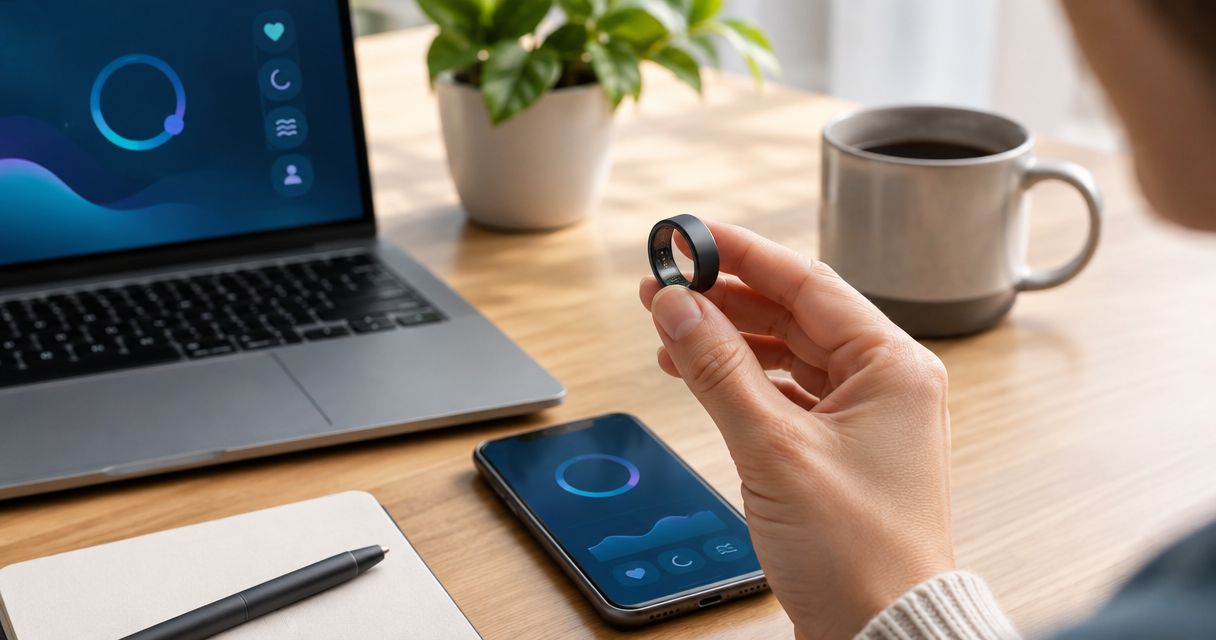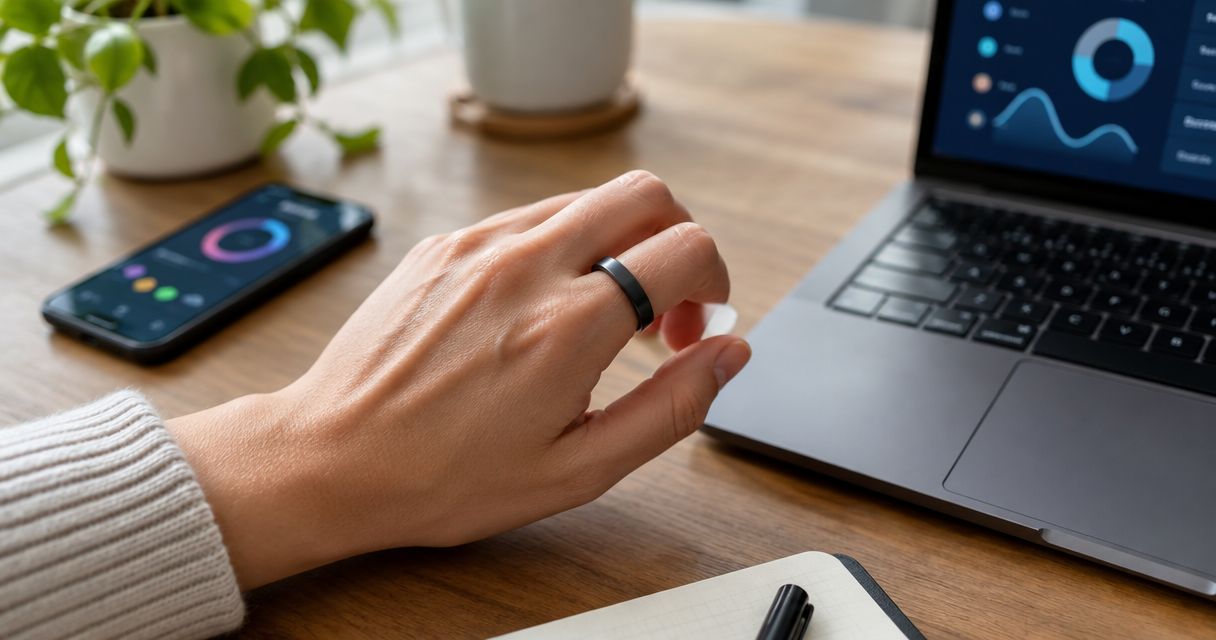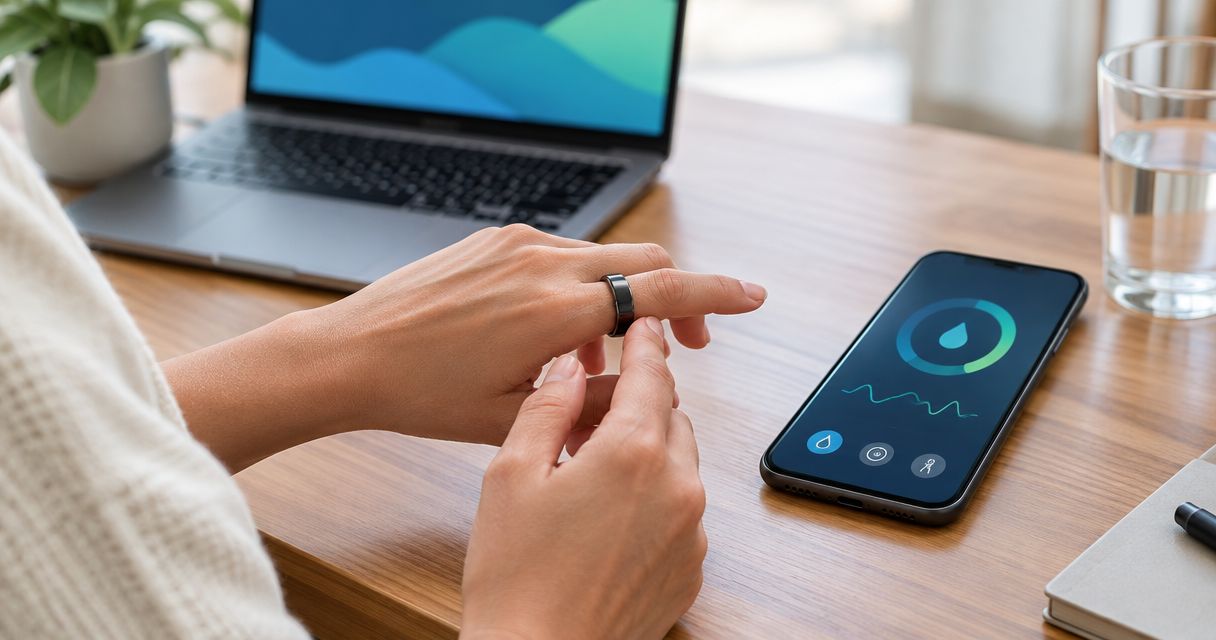
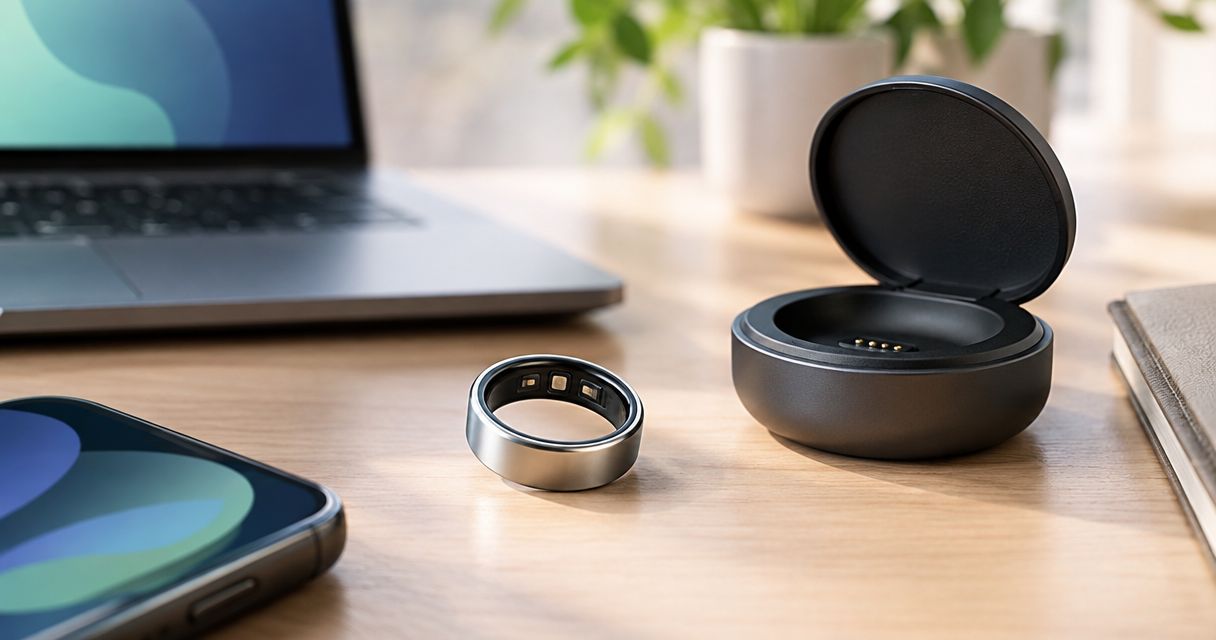
Smart ring battery life depends on the model, enabled features, battery condition, and how you use it; there is no single runtime that applies to every ring. Treat an advertised maximum as a conditional claim, not a guaranteed charging interval. For a useful answer, measure how long your ring lasts with the tracking settings you actually intend to keep.
- Smart ring battery life is model-specific; compare runtime under matching tracking settings, not headline maximums alone.
- Actxa Core Smart Ring suits buyers seeking sleep, activity, and recovery insights; check battery specifications separately.
- Protect the tracking period you value most by scheduling charging outside it.
- Measure battery drain with consistent settings before deciding whether runtime has changed.
How long does a smart ring battery last?
A smart ring lasts as long as its usable charge supports your chosen tracking settings—not necessarily as long as its advertised maximum. Separate the manufacturer's stated runtime from the interval you can reliably use between charges.
Start with this process when comparing a ring in 2026:
- Check the specification. Find the battery claim for the exact model, rather than borrowing a figure from another ring.
- Read the conditions. Check whether the claim describes typical use, a maximum, or a particular operating mode.
- Match your settings. Identify which supported features you expect to leave enabled.
- Measure your routine. Record charge levels and charging sessions while wearing the ring normally.
- Choose your interval. Schedule charging before the tracking period you most want to preserve.
For Actxa, start with the exact device you are considering. A battery claim for a fitness band does not establish the battery life of a smart ring, even when both devices come from the same brand.
Why this matters
Battery life determines when a wearable must leave your finger. Charging during the period you want to track creates a gap that a longer headline runtime does not automatically prevent.
If sleep is your priority, protect your main sleep period. If you care more about activity patterns, choose a charging opportunity outside the activity you want recorded. The useful battery specification is the one that fits your routine without repeatedly interrupting your priority tracking.
When comparing devices in 2026, ask what remains enabled during the stated runtime. A longer claim under different conditions is not a like-for-like advantage.
Advertised runtime versus your charging interval
Advertised runtime and practical charging interval answer different questions. The first describes a manufacturer's claim under stated conditions; the second describes when you decide to recharge during ordinary use.
| Battery-life measure | Best for | Advantage | Limitation |
|---|---|---|---|
| Advertised maximum | Initial model screening | Gives you a stated upper target to investigate | Does not guarantee the same result under your settings |
| Measured runtime | Understanding your own ring | Reflects your routine and enabled features | Requires consistent records to make comparisons useful |
| Planned charging interval | Protecting important tracking periods | Puts charging at a convenient time | Leaves some remaining charge unused |
Do not treat these measures as interchangeable. A ring can meet your needs even when you recharge before its battery runs out, because your goal is reliable tracking rather than reaching the lowest possible charge level.
For a broader comparison, use the smart rings ranked by battery life guide alongside each model's current specifications. Compare the conditions behind the claims before treating the ranking as a charging schedule.
What does an up-to battery claim mean?
An up-to claim describes a maximum under the conditions attached to that claim. It is not a promise that every wearer will reach the same interval.
Read the qualifying text before choosing a ring. Look for the enabled features, usage assumptions, and operating conditions, then compare those with the way you intend to wear it.
Is longer battery life always better?
Longer usable runtime gives you more flexibility between charging sessions. It does not, by itself, establish tracking accuracy, comfort, or whether the ring offers the features you want.
Keep the decision tied to your priorities. A battery advantage matters when it preserves useful tracking or removes an inconvenient charging interruption.
Why smart ring battery life varies
Rechargeable battery performance depends on both the device and its operating conditions. These are the factors to check—not reasons to assume a particular ring will deliver a specific number of days.
- Model and battery design. Different devices have different energy storage and power requirements. Do not transfer a runtime claim between models.
- Enabled measurements. Sensors and processing require energy. Check which supported measurements are included in the manufacturer's battery claim.
- Recording frequency. More frequent measurements require additional sensing and processing. Compare modes only when the device documents them.
- Wireless activity. Data transfer uses power. Keep connection and syncing habits consistent when investigating a change in runtime.
- Temperature. Rechargeable battery performance is temperature-sensitive. Follow the device's operating and charging guidance rather than applying a generic temperature limit.
- Battery condition. Rechargeable batteries lose capacity with use and age. Compare the same ring against its earlier performance under similar conditions.
Do not disable the feature you bought the ring to use merely to approach a headline battery claim. First establish whether the ring can support that feature within a charging routine you can maintain.
How to measure your smart ring's real battery life
Use a simple battery diary rather than relying on memory. For a useful 2026 baseline, record the settings, software version, and routine associated with each observation.
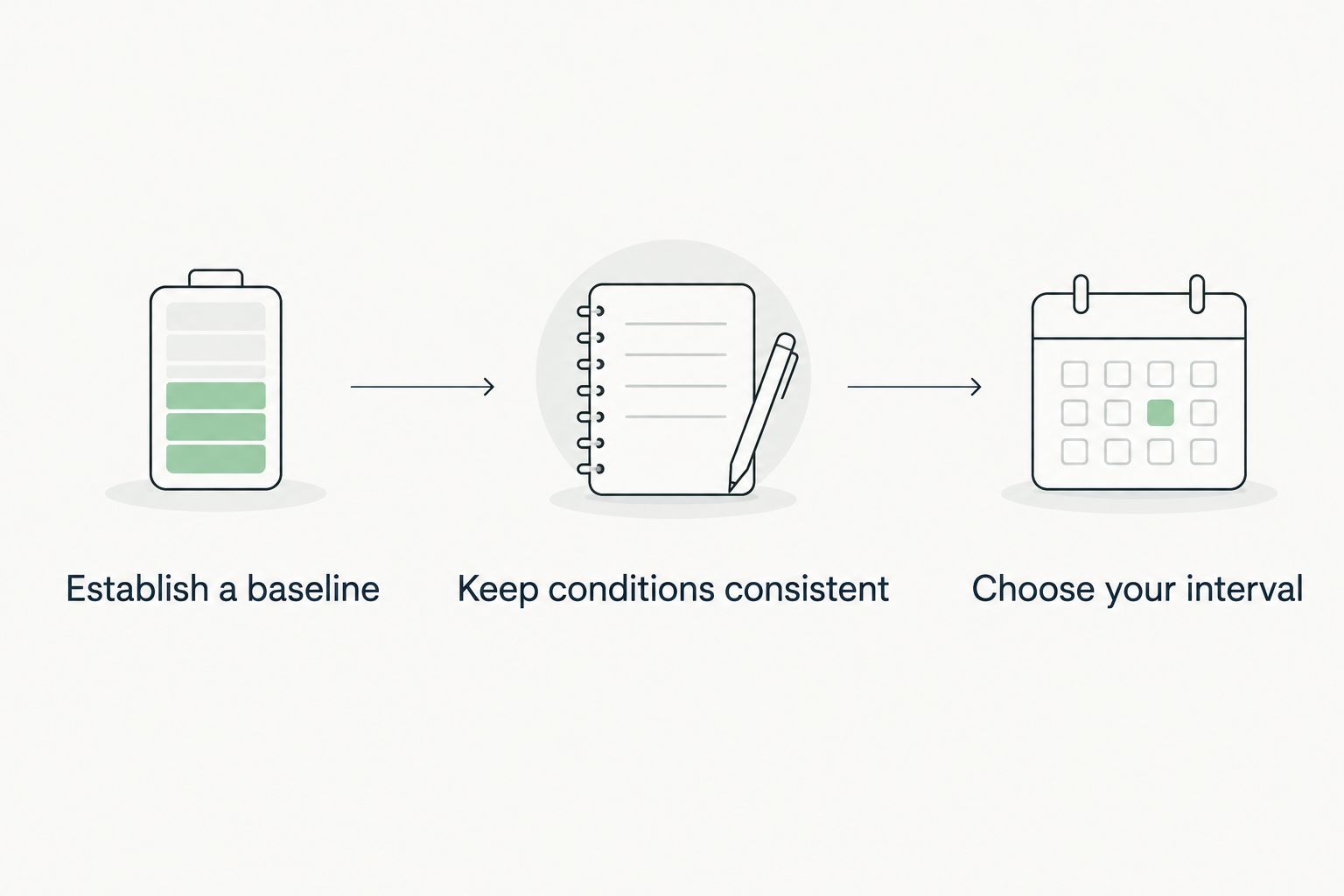
Establish a baseline
Charge the ring according to its instructions and confirm that charging has completed. Note the starting time and battery reading, then wear it with your normal settings.
Record another reading after 24 hours. Continue at the same time of day, including checkpoints at 48 hours and 72 hours if the ring remains in use without charging. These are observation intervals, not promised battery runtimes.
Record any charging session that happens between readings. Otherwise, a top-up can make the battery appear to last longer than it did on its starting charge.
Keep conditions consistent
Record enabled features, unusual activity, and any software or settings change. You do not need a laboratory setup; you need enough consistency to avoid comparing different usage patterns as though they were identical.
If you change a setting to investigate drain, change it separately from other settings. That makes the result easier to interpret, although a single observation does not establish a cause.
Choose your interval
Use your observations to choose a charging opportunity before your priority tracking period. Do not deliberately run the ring flat to make the diary look complete.
A battery percentage is an estimate, not a precise countdown. Avoid projecting a full runtime from a short observation, particularly when your routine changes during the rest of the day.
When should you charge a smart ring?
Charge outside the tracking period you value most. Choose between a planned session and opportunistic top-ups based on your routine and the manufacturer's charging instructions.
| Charging approach | Best for | Advantage | Limitation |
|---|---|---|---|
| Planned charging session | People with a predictable routine | Makes the charging opportunity easier to remember | Requires setting aside time without the ring |
| Opportunistic top-ups | People with changing schedules | Uses convenient periods when the ring is already off | Requires checking that enough charge remains before important tracking |
Neither approach is automatically better for every ring. Follow the device's guidance and judge the approach by whether you consistently return the ring to your finger before the tracking period begins.
If sleep tracking is your priority
Check the remaining battery before your main sleep period, not after you get into bed. Choose an earlier charging opportunity when you can put the ring back on afterward.
Your main sleep period matters more than the clock label. The same principle applies whether you sleep overnight or after a night shift.
If activity tracking is your priority
Avoid making your regular workout the default charging window. Pick a period when removing the ring does not interrupt the activity record you want.
Do not assume that every unrecorded interval can be reconstructed later. Treat charging time as time when the ring is not collecting on-body measurements.
Where the Core Smart Ring fits
Actxa Core Smart Ring is best for buyers seeking sleep, activity, and recovery insights in a ring. Those are its stated tracking areas; use them to decide whether the device matches your wellness priorities.
The advantage is relevance: those tracking areas align with buyers who want to follow daily wellness patterns. The limitation is that the feature list does not establish runtime under your settings, so it cannot replace a separate battery-specification check.
For a 2026 purchase, assess Actxa Core Smart Ring in that order: decide whether the tracking areas fit your needs, check its current battery guidance, then identify a realistic charging opportunity. Do not turn a relevant feature list into an unsupported battery-life promise.
What should you do if the battery starts draining faster?
Compare like-for-like conditions before deciding the battery has deteriorated. An unexpected change deserves investigation, but the battery percentage alone does not identify the cause.
Work through these checks:
- Confirm that the previous charging session completed successfully.
- Check whether tracking settings changed.
- Note recent software updates or changes in connection behavior.
- Compare wearing and syncing habits with your earlier baseline.
- Follow the manufacturer's instructions for inspecting and cleaning charging contacts.
- Contact support if the change persists under comparable conditions.
Keep the dates, readings, and settings together. A clear record gives support a specific problem to investigate instead of a general impression that charging feels more frequent.
What if the ring becomes unusually hot or looks damaged?
Stop using or charging a ring that shows swelling, physical damage, or unusual heat, and seek manufacturer guidance. Do not open the ring or attempt an improvised battery replacement.
Routine battery-life troubleshooting is not a substitute for responding to a physical safety concern. Follow the manufacturer's handling instructions.
FAQ
How long does a smart ring battery last on one charge?
Smart ring battery life is specific to the model, enabled features, and operating conditions. Check the exact model's stated runtime, then measure your own charging interval with the settings you intend to use.
Does an up-to battery claim mean my ring will last that long?
An up-to battery claim is a maximum under its stated conditions, not a guaranteed result for every wearer. Read the usage assumptions and compare them with your normal settings.
Should I let my smart ring battery run out before charging?
Do not deliberately run your smart ring flat just to measure runtime. Follow the manufacturer's charging guidance and recharge before the tracking period you want to preserve.
Why is my smart ring battery draining faster than before?
Faster drain requires checking charging completion, settings, connection behavior, operating conditions, and battery condition. Compare consistent observations before attributing the change to battery deterioration.
Can I charge my smart ring while I sleep?
Charging during sleep means the ring is off your finger during the period you want to measure. If sleep tracking is your priority, choose a charging opportunity outside your main sleep period.
How do I check Actxa Core Smart Ring battery life before buying?
Check the current battery specifications and charging guidance for Actxa Core Smart Ring. Its stated sleep, activity, and recovery tracking features do not establish a battery-runtime figure.
Does longer battery life mean a smart ring is more accurate?
Longer battery life does not establish measurement accuracy. Compare battery claims and accuracy evidence separately, then decide whether the charging routine fits your needs.
One last thing
Your best charging reminder is tied to a repeatable opportunity, not an advertised maximum. Choose a moment when you can remove the ring, follow its charging instructions, and remember to put it back on.
For your 2026 routine, judge success by whether important tracking periods remain covered. Stretching the time between charges is not a win if the battery runs out during the sleep or activity you wanted to record.