Best overall for screen-free sleep tracking: Spark Band. Best finger-worn fit candidate: Core Smart Ring, with sleep features to confirm before choosing it for overnight tracking. Best for readers who want an on-device display: a screen-equipped wrist tracker. This 2026 guide ranks comfort by where you wear the device, what touches your skin, and what gets in the way at bedtime—not by unsupported claims that one wearable fits everyone.
- Sleep tracker comfort ranked: Spark Band is the default for readers who want a screenless sleep-tracking band.
- Core Smart Ring suits finger-worn health tracking; confirm sleep features before selecting it as a sleep tracker.
- Screen-equipped wrist trackers suit display-first users, but wrist pressure and bedtime screen behavior need checking.
- Choose by fit, sleep position, and distractions—not by the number of metrics advertised.
Why this matters
A sleep tracker has to stay on while you sleep. If you remove it because the fit bothers you, its other features do not solve that problem. Comfort belongs at the start of your buying decision, not after you have chosen an app or a dashboard.
The Actxa store sells both finger-worn and wrist-worn wellness devices. Actxa Spark Band is the best fit in this shortlist for people seeking a screenless sleep-tracking band. That recommendation follows its stated screenless design and sleep-tracking purpose; it is not a claim that its fit beats every competing device.
For your 2026 purchase, separate three decisions: whether the device supports the sleep information you want, whether you tolerate its wearing position, and whether its bedtime behavior suits you. A strong answer to one does not guarantee the others.
What makes the best comfortable sleep tracker?
Use these five criteria before comparing models. They make the ranking useful even when your preferred wearing position differs from someone else's.
- Wearing position: Choose between a finger and a wrist. Neither location is universally more comfortable; the deciding factor is where you tolerate contact overnight.
- Pressure points: Check the device while lying down. A comfortable standing fit does not answer what happens when your hand sits under a pillow.
- Fit control: A wrist strap and a fixed-size ring solve fit differently. Confirm that the chosen size or adjustment stays comfortable without leaving the device loose.
- Bedtime distractions: A screenless device removes the on-device display from the decision. For a screened tracker, inspect its actual nighttime settings rather than assuming it stays dark.
- Tracking purpose: Confirm sleep support and the outputs you need. A health wearable is not automatically the right sleep tracker simply because you can wear it to bed.
The best comfortable sleep tracker is the one whose fit and behavior let you leave it alone. If you repeatedly notice or adjust it, treat that as a buying signal—not something you must learn to ignore.
Sleep tracker comfort ranked: at a glance
This is a fit-first buying order for 2026, not a measured comfort score. Spark Band takes the default slot because its supplied description explicitly combines sleep tracking with a screenless band design. The other options serve different preferences.
| Rank and option | Best for | Standout feature | Key limitation | Verdict |
|---|---|---|---|---|
| 1. Spark Band | Screen-free wrist tracking | Sleep tracking in a screenless health band | Still occupies your wrist during sleep | Buy if wrist wear suits you |
| 2. Core Smart Ring | Finger-worn health tracking | Health tracking in a discreet ring format | Fixed-size fit needs careful selection; confirm sleep features | Hold until fit and sleep support are confirmed |
| 3. Screen-equipped wrist tracker | Readers who want an on-device display | A display on the wrist | Wrist contact and nighttime screen behavior require checking | Buy only if the display earns its place |
Read the table as a decision tree. Start with Spark Band if you want sleep tracking without an on-device screen, consider a ring if wrist contact is your main objection, and choose a screened tracker only when the display serves a purpose for you.
1. Spark Band: best sleep tracker for screen-free wrist wear
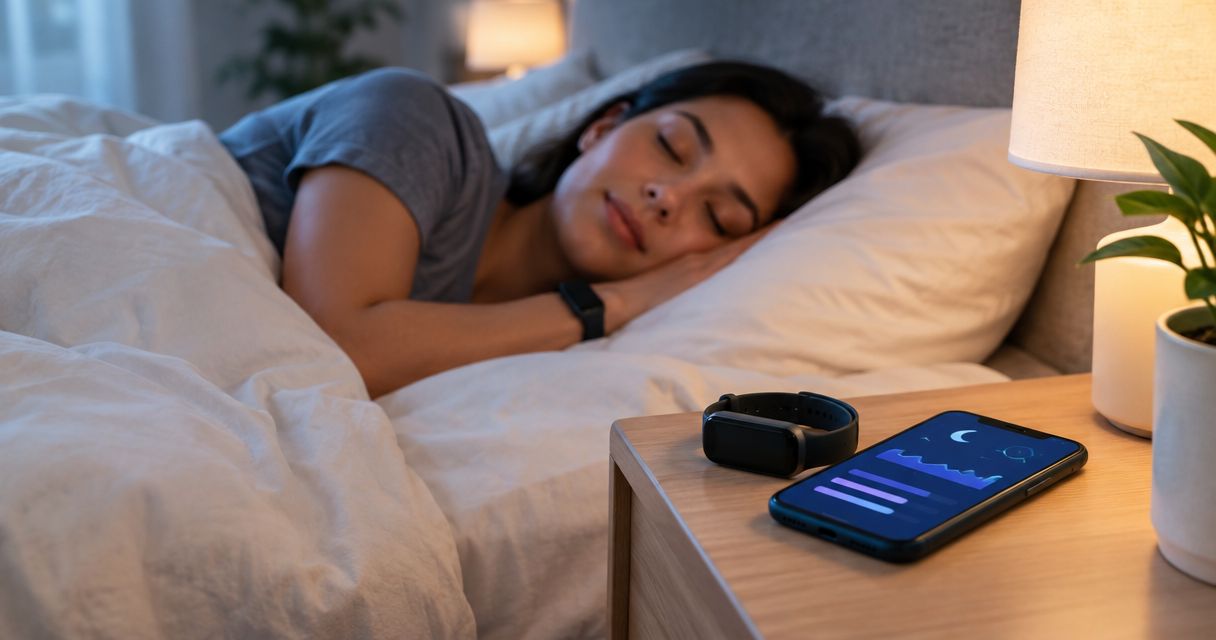
Spark Band is a screenless smart health band whose supplied description includes sleep, recovery, fitness, and activity. Its clearest comfort-related distinction is straightforward: you do not have an on-device display to manage at bedtime.
That makes Spark Band the default recommendation for readers who want a wrist-worn sleep tracker without a screen. It does not eliminate wrist contact, so your sleep position still matters.
Spark Band pros:
- Its stated feature set includes sleep tracking.
- Its screenless design avoids an on-device display at bedtime.
- It combines sleep with other stated wellness and activity functions.
- Its band format suits readers who prefer wrist wear to a finger-worn device.
Spark Band cons:
- It still places a wearable on your wrist throughout the night.
- It does not provide the on-device display that display-first buyers want.
- Its screenless design does not, by itself, establish a comfortable fit for your wrist.
Best for: You want sleep tracking in a band and do not need a display on the device.
Before choosing Spark Band, reproduce your normal sleeping posture while wearing a wrist accessory. Notice whether your wrist presses into the pillow, mattress, or opposite hand. This is a wearing-position check, not a substitute for checking the actual band's fit.
For a 2026 purchase, keep the decision narrow: screenless wrist tracking is the reason to shortlist Spark Band. Do not turn that useful distinction into an unsupported claim about its weight, softness, or overnight tracking accuracy.
Verdict: Buy Spark Band if you want screenless sleep tracking and are comfortable wearing a band overnight.
2. Core Smart Ring: best fit candidate for finger-wear preferences
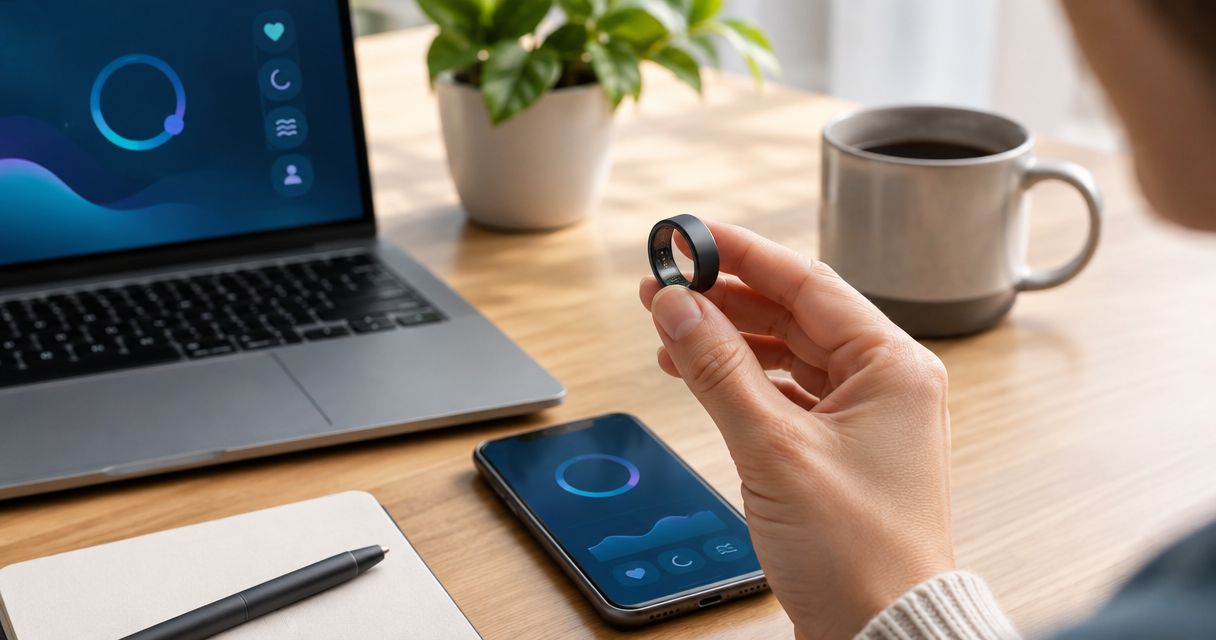
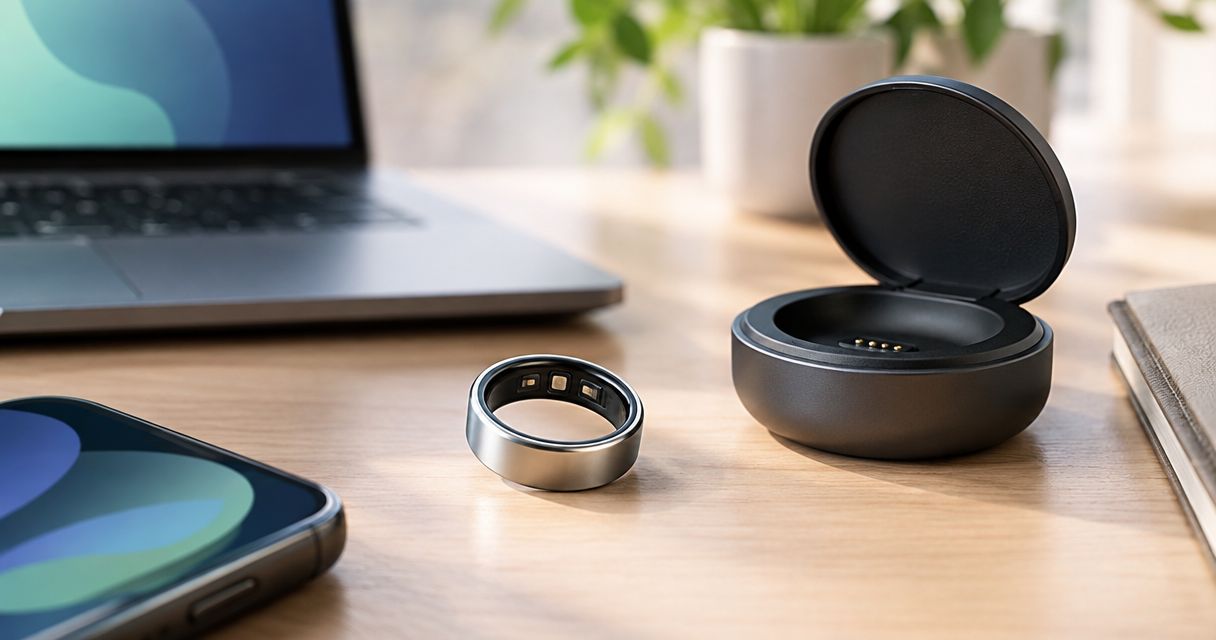
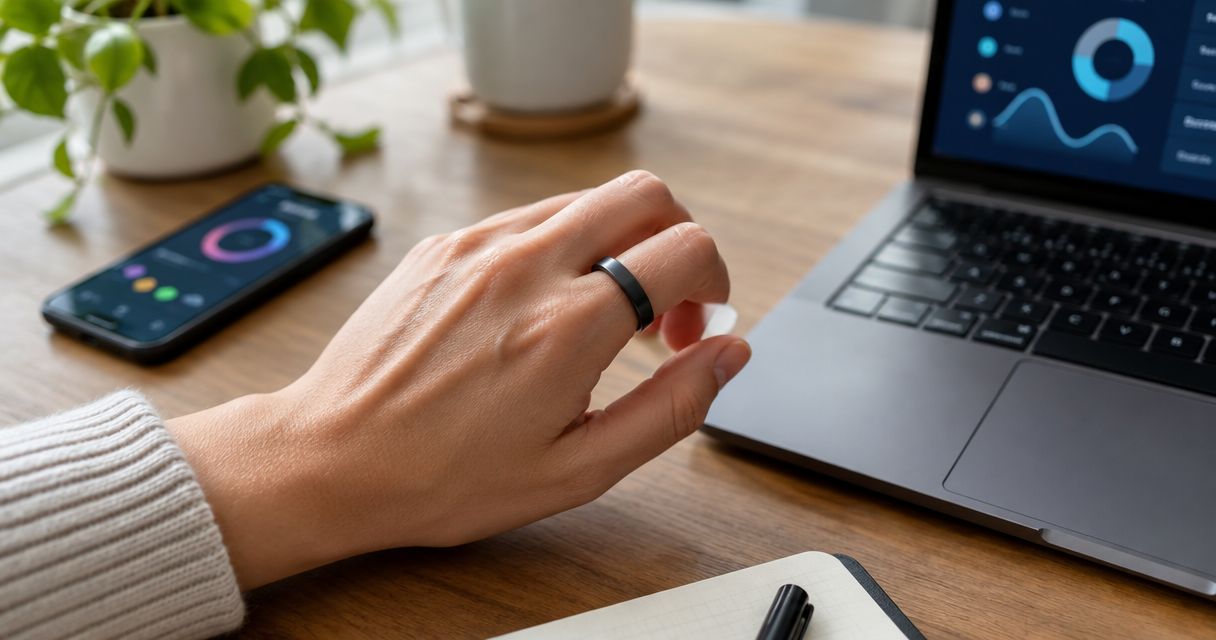
Core Smart Ring is a health-tracking wearable designed for health-conscious users who want a discreet ring. Its relevance here is the alternative wearing position: it puts the wearable on a finger instead of your wrist.
Treat Core Smart Ring as a finger-fit candidate, not an automatic sleep-tracking recommendation. Confirm the sleep functions you need before choosing it for that purpose.
Core Smart Ring pros:
- Its ring format leaves your wrist free of the device.
- It suits readers who prefer finger-worn accessories.
- The Ring Sizing Kit lets you try different sizes before confirming your final order.
Core Smart Ring cons:
- A fixed ring size requires careful selection rather than a strap adjustment.
- Finger placement still creates contact when you tuck or press your hands together.
- The ring format alone does not establish which sleep information the device provides.
Best for: You prefer finger-worn health tracking and want to resolve sizing before deciding.
Use the Actxa Ring Sizing Kit to compare sizes rather than choosing from appearance alone. Check ordinary hand movements and the positions you use in bed. A size that feels acceptable during a brief upright check still needs your attention when you rest your hand against something.
Do not interpret resistance, discomfort, or difficulty removing a ring as proof that the fit is secure. Stop the fit check if it causes pain or numbness. Comfort should not require you to tolerate either.
Verdict: Hold on Core Smart Ring as a sleep-tracker purchase until you confirm both the fit and the sleep features you need.
3. Screen-equipped wrist tracker: best for display-first users
A screen-equipped wrist tracker gives you an on-device display, unlike a screenless band. Choose this category when viewing information on your wrist is part of your intended use—not simply because the device offers more visible functions.
This is a category recommendation rather than an endorsement of a particular model. Sleep support, screen behavior, strap design, and settings must be checked on the specific device you shortlist.
Screen-equipped wrist tracker pros:
- It provides an on-device display for readers who want one.
- It offers a wrist-worn alternative to a ring.
- You can assess display readability and wrist fit together before deciding.
Screen-equipped wrist tracker cons:
- Its display adds a bedtime behavior you need to evaluate.
- It still occupies the wrist and can contact bedding in your sleeping position.
- The presence of a screen says nothing about whether a particular model supports your preferred sleep outputs.
Best for: You want a display for daytime use and are willing to check how the device behaves overnight.
Inspect the actual model's settings. Determine whether it has controls for screen activation and alerts, then check whether those controls do what you need. Do not assume that a setting exists because another tracker has it.
Comfort includes attention as well as contact. If you keep looking at a display when you intended to settle down, a screenless option removes that particular temptation from the device itself.
Verdict: Buy a screen-equipped wrist tracker only when its display is useful enough to justify the added bedtime checks.
How to check overnight fit before deciding
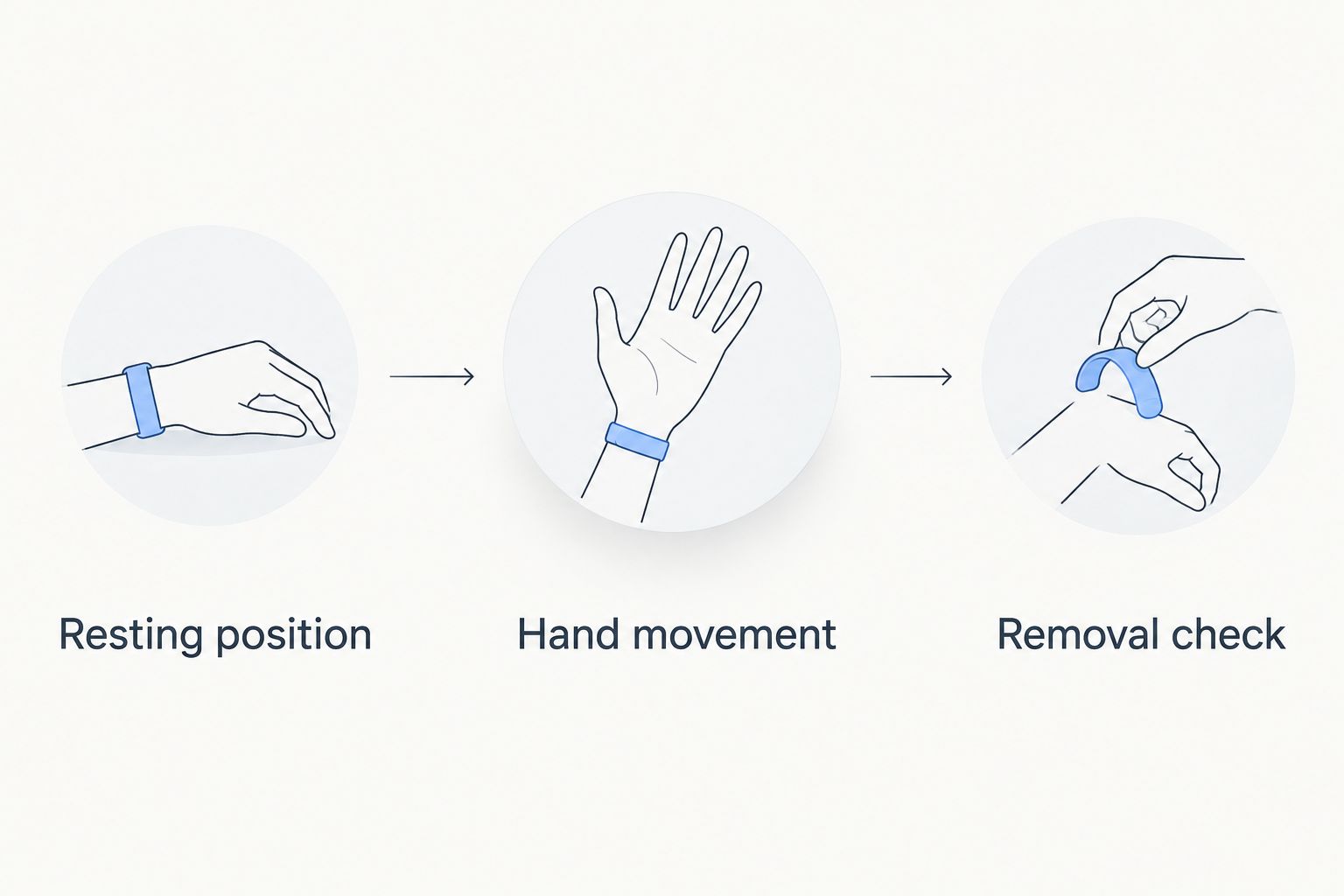
Use these 3 fit checks to turn a broad preference into a practical decision. Apply them to the device or sizing sample you are evaluating; a different accessory only helps you assess the wearing position.
Resting position
Lie in your usual sleep position and place your hands where they normally rest. Check 2 positions if you regularly alternate between them. Notice contact between the wearable, your skin, the pillow, and the mattress.
Hand movement
Open and close your hand, bend your wrist naturally, and bring your hands together. Look for interference with these ordinary movements. A device should not make you change how you rest your hand simply to avoid noticing it.
Removal check
Check that you can remove the device without struggling. If discomfort appears, remove it rather than tightening it or forcing the fit. Make 1 adjustment at a time so you can tell whether the change actually helps.
Record the problem in plain language: wrist pressure, finger pressure, movement interference, or display distraction. That description tells you what to change. A vague judgment that a device feels wrong does not tell you whether another size or another wearing position is the better next step.
Products that support the decision
Actxa Spark Band addresses the screenless sleep-tracking choice; Ring Sizing Kit supports the separate ring-fit decision. The kit is a sizing aid, not a sleep tracker, and should not be mistaken for one.


How the comfort ranking works
The ranking prioritizes stated sleep support, wearing position, fit selection, and bedtime distractions. It does not assign invented comfort scores or turn an unverified material or dimension into a selling point.
Spark Band leads because its stated sleep function and screenless design answer a specific buying need. Core Smart Ring occupies the finger-wear slot, with a clear requirement to confirm sleep support. Screen-equipped trackers serve readers who value a display enough to assess its nighttime behavior.
Your preference can change the order. If wrist wear is the problem, choosing another wrist tracker does not resolve the location itself. Change the wearing position first, then compare features within the format you can tolerate.
Which comfortable sleep tracker should you choose?
Choose Spark Band as the default when you want screenless wrist-based sleep tracking. Its stated purpose matches that requirement directly. Check wrist comfort before treating the choice as settled.
Choose the ring route when finger wear feels preferable, but keep fit and sleep capability as separate checks. Choose a screen-equipped wrist tracker when you genuinely want its display and have assessed its nighttime behavior.
For 2026, the useful buying order is simple: establish sleep support, check the wearing position, then compare the remaining features. Do not let an attractive dashboard overrule a device you do not want to wear.
FAQ
What's the best sleep tracker for comfort in 2026?
Spark Band is the default here for readers who want a screenless sleep-tracking band. Its stated sleep support and lack of an on-device display match that use case, but you still need to check wrist fit.
Is a smart ring more comfortable than a sleep-tracking band?
A smart ring is not universally more comfortable than a band. Rings place the device on a finger, while bands occupy the wrist; your fit and sleeping position determine which location suits you.
Does a screenless band solve wrist discomfort?
A screenless band does not remove wrist contact. It removes the on-device display, so assess pressure and fit separately from screen-related distractions.
Can I choose Core Smart Ring just for sleep tracking?
Confirm the sleep features you need before choosing Core Smart Ring for sleep tracking. Its stated health-tracking purpose and ring format do not, by themselves, establish which sleep outputs it provides.
How do I check whether a wearable is comfortable for side sleeping?
Check the wearable while lying in your usual side-sleeping position with your hands where they normally rest. Notice whether it presses against the pillow, mattress, or your other hand, and remove it if it causes discomfort.
Should I use a sizing kit before choosing a smart ring?
Use the relevant sizing kit to compare sizes before confirming your ring choice. Ring Sizing Kit is supplied for Core Smart Ring and lets you try different sizes before your final order.
Should I keep wearing a sleep tracker if it causes numbness?
Remove a wearable that causes numbness or pain. Do not treat those sensations as a normal fit adjustment; seek medical advice if symptoms persist.
One last thing
The most useful comfort clue is where you notice the device. Wrist pressure points you toward a different wearing position; finger pressure points you back to sizing; display distraction points you toward screenless design.
Before choosing your 2026 sleep tracker, name that problem precisely. You will make a better decision by solving one real irritation than by comparing features that do not address it.