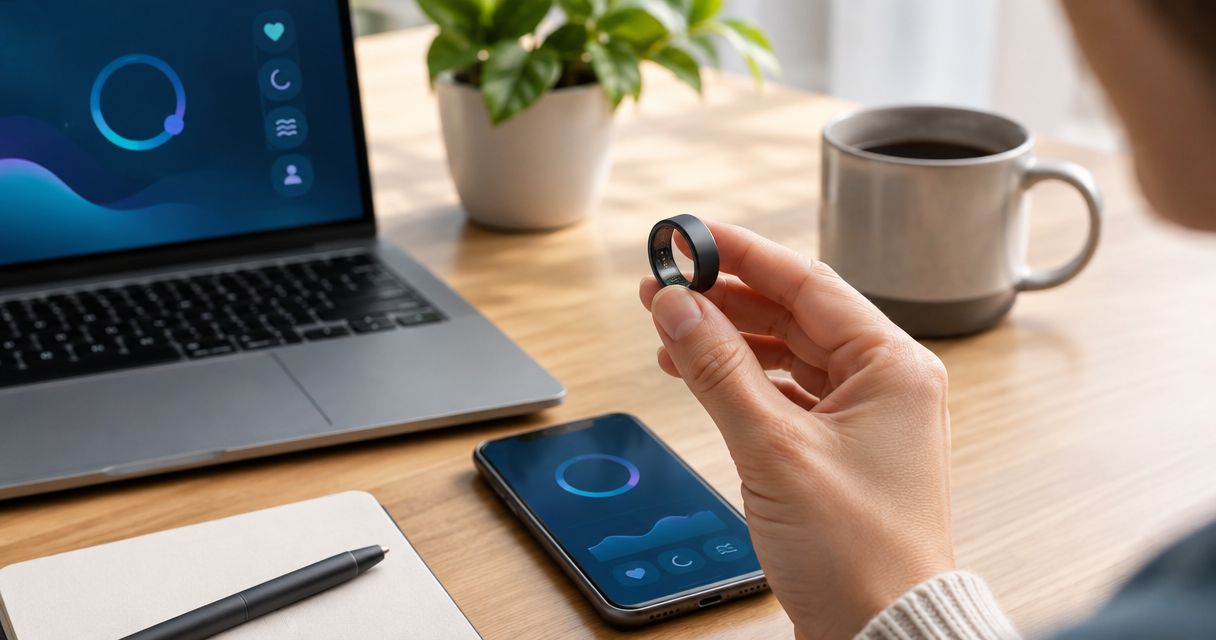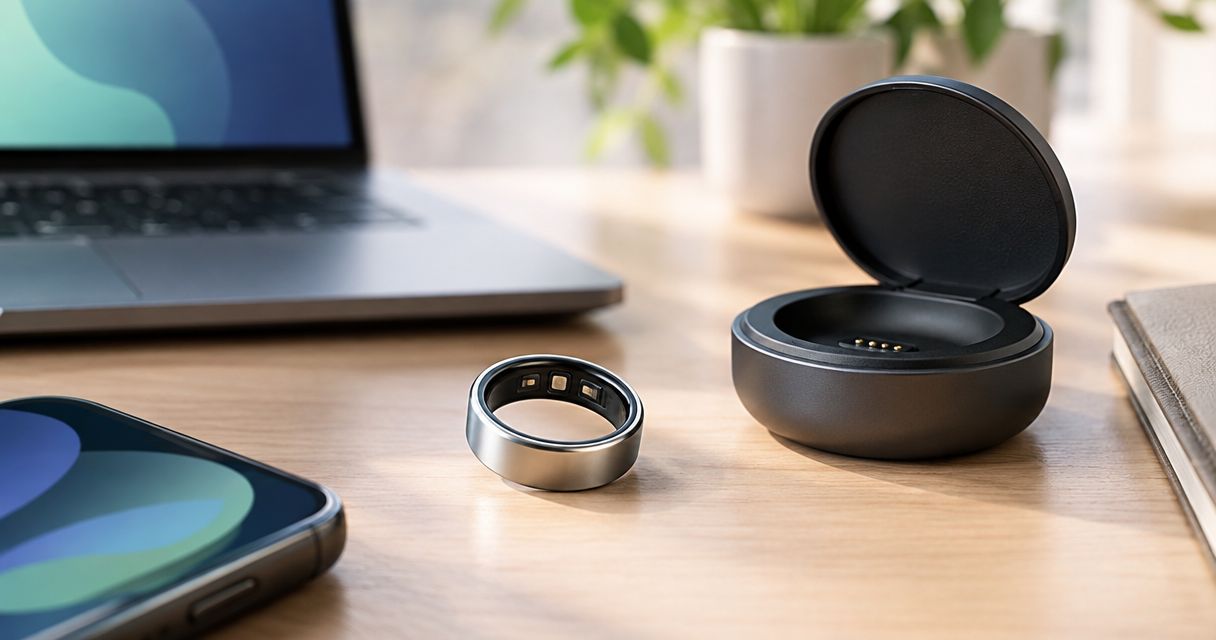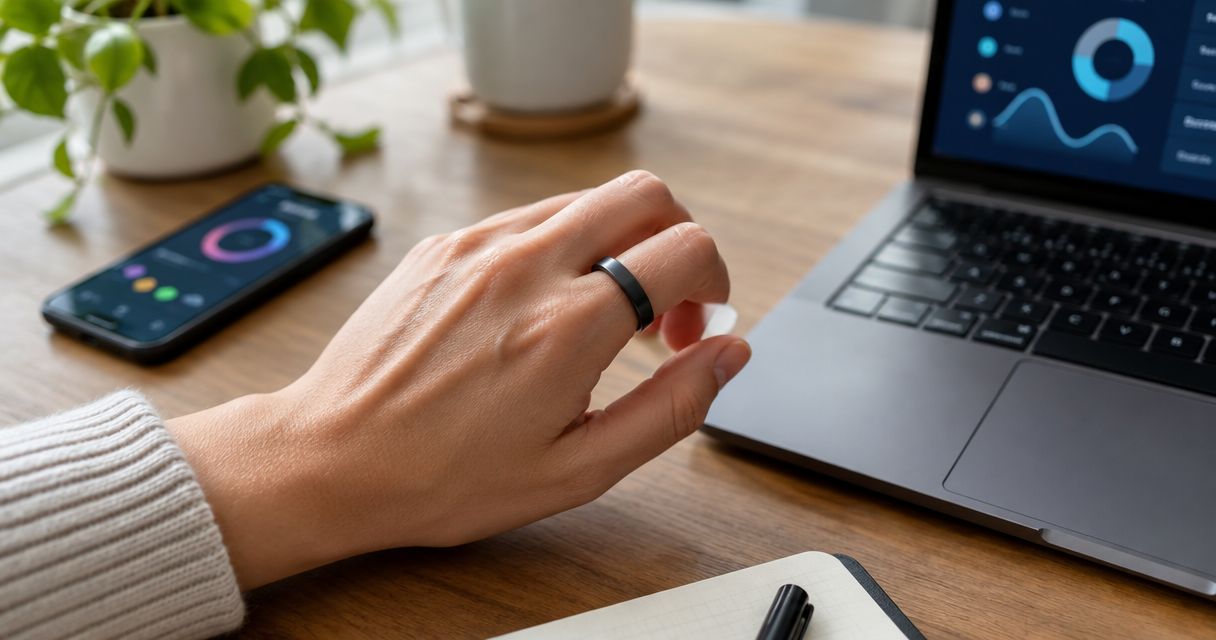
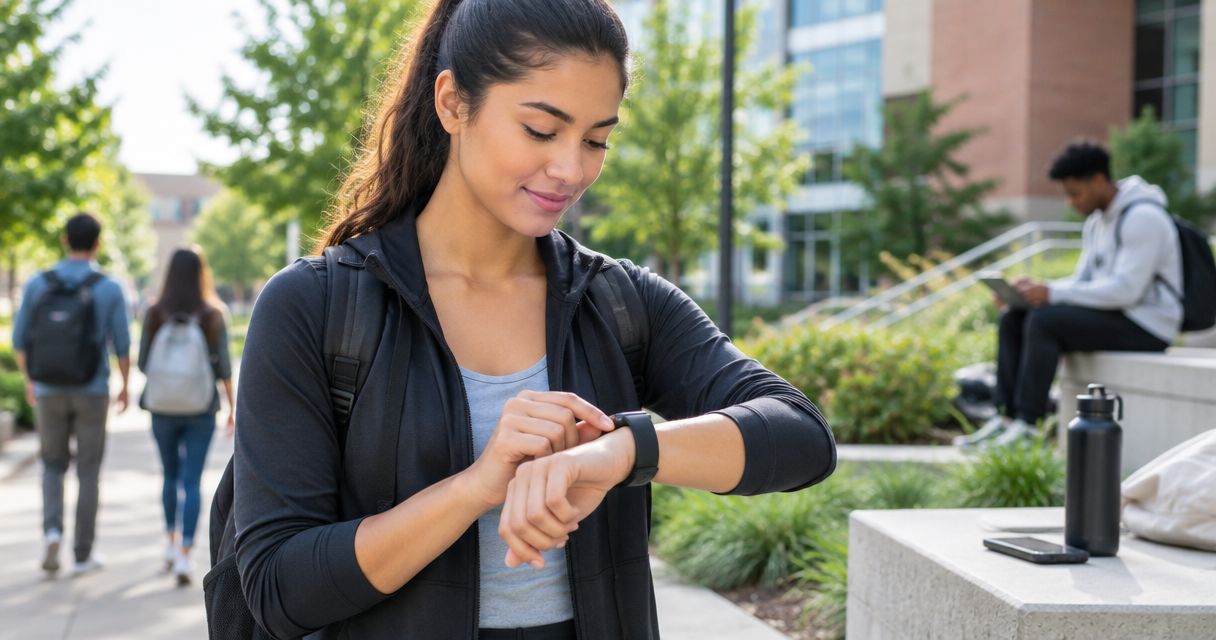
College students’ fitness wearables are body-worn devices for tracking activity and wellness with the aim of building consistent habits around campus life. The right fitness wearable for college students in 2026 fits lectures, shared housing, workouts, and changing sleep schedules without becoming another distraction.
- Actxa fitness wearables suit students considering a screenless band or discreet smart ring for wellness tracking.
- Choose a fitness wearable for college students around comfort, activity tracking, and sleep habits—not feature count.
- Spark Band combines sleep, recovery, fitness, and activity tracking; its screenless design rules out on-device visual checks.
- Core Smart Ring offers discreet health tracking; confirm fit before choosing a size.
Why fitness wearables matter for college students
Campus life makes consistency harder to judge from memory. Walking between buildings, studying late, training with a club, and sleeping somewhere different on weekends all change the context behind your activity records.
A wearable gives you a record to review, but the useful outcome is a decision: protect bedtime, schedule movement between classes, or reconsider a workout after a difficult night. Tracking only earns its place when it changes a habit you care about.
For your 2026 semester, separate sleep comfort from feature shopping. This guide to sleep-tracking wearables ranked by comfort addresses a practical question: whether you can tolerate wearing the device when the measurement happens.
College students also need to think about where a device will live. A charger left at home, a ring removed before lifting, or a band that irritates during overnight wear creates gaps that no dashboard can fix. Choose around your actual campus routine, not an ideal week.
How to choose and use a student fitness wearable
1. Define the habit you want to change
Start with a notebook or a note on your phone. Before buying anything, record the behavior you want to understand and the decision that better information would support. This gives you a way to judge whether a device adds value.
Use a 7-day observation period as a planning exercise, not a medical assessment. Include class days and a weekend so your notes reflect more than your most organized day. Record what you did, what disrupted your plan, and what you want to repeat.
For example, wanting to move between long study sessions points toward activity tracking. Wanting to understand an inconsistent bedtime points toward overnight comfort and sleep records. Neither goal requires collecting every available metric.
- Choose one primary goal, such as regular movement or a steadier bedtime.
- Record the habit manually before adding a device.
- Write down the action you would take after reviewing the record.
- Separate wellness goals from symptoms that need medical attention.
2. Match the wearing style to your campus routine
Try the basic wearing position before studying feature lists. Wear an ordinary ring or wrist accessory during familiar activities to notice where jewelry gets in your way. This tests your preferences, not a specific tracker’s fit or sensor performance.
Think through the places where you would remove the device: a laboratory, team practice, a climbing session, or a job with equipment rules. Follow the relevant safety requirements rather than keeping a wearable on to preserve a streak.
The best wearing style is the one compatible with your routine and safety rules. A device you repeatedly remove needs a reliable storage habit as much as it needs an appealing design.
- Check laboratory, sports, and workplace rules before choosing a form factor.
- Notice pressure or irritation while writing, sleeping, and carrying a bag.
- Choose a secure storage spot for activities requiring removal.
- Check the manufacturer’s care instructions before showering or swimming.
- Confirm sizing requirements instead of transferring a size from unrelated jewelry.
3. Shortlist devices by a specific job
Keep your manual log if it already answers your question. A wearable becomes the faster path when recording activity or wellness information by hand is the part you keep skipping.
Actxa fitness wearables are best for health-conscious students considering a screenless band or discreet smart ring. The official Actxa store includes Spark Band and Core Smart Ring, which represent different wearing styles rather than interchangeable purchases.
Spark Band brings sleep, recovery, fitness, and activity into a screenless band. That format suits students who do not want a wrist display, but it does not provide an on-device screen for checking information. Core Smart Ring is described as a discreet health-tracking wearable; its fit deserves particular attention before purchase.
For your 2026 shortlist, compare documented functions rather than assuming every ring or band measures the same things. A product name alone does not establish phone compatibility, water resistance, battery duration, or access terms.
- Match each candidate to the goal in your manual log.
- Confirm the exact tracking functions in current product information.
- Check phone and app requirements before committing.
- Read charging and care instructions against your weekly routine.
- Reject any option whose wearing style conflicts with required activities.
4. Test comfort and plan device care
Begin with the physical routine. Decide where you will put the device when removed, where charging will happen, and how you will keep it separate from shared household accessories. A desk drawer or designated pouch gives the habit a clear home.
For Core Smart Ring, Actxa lists a Ring Sizing Kit that lets you try different sizes before confirming your final order. Its purpose is to help you choose a comfortable fit; do not treat an unrelated ring measurement as proof that the same size will work.
For wrist-worn devices, check the supplied fit guidance rather than tightening the band until it feels immovable. Stop wearing a device that causes irritation and follow the manufacturer’s instructions. Continuous tracking is not a reason to ignore discomfort.
- Use the product’s own sizing or fit process.
- Check comfort during writing, resting, and ordinary movement.
- Keep charging equipment in a designated place.
- Clean and dry the device according to its instructions.
- Store removed jewelry securely rather than loose in a gym bag.
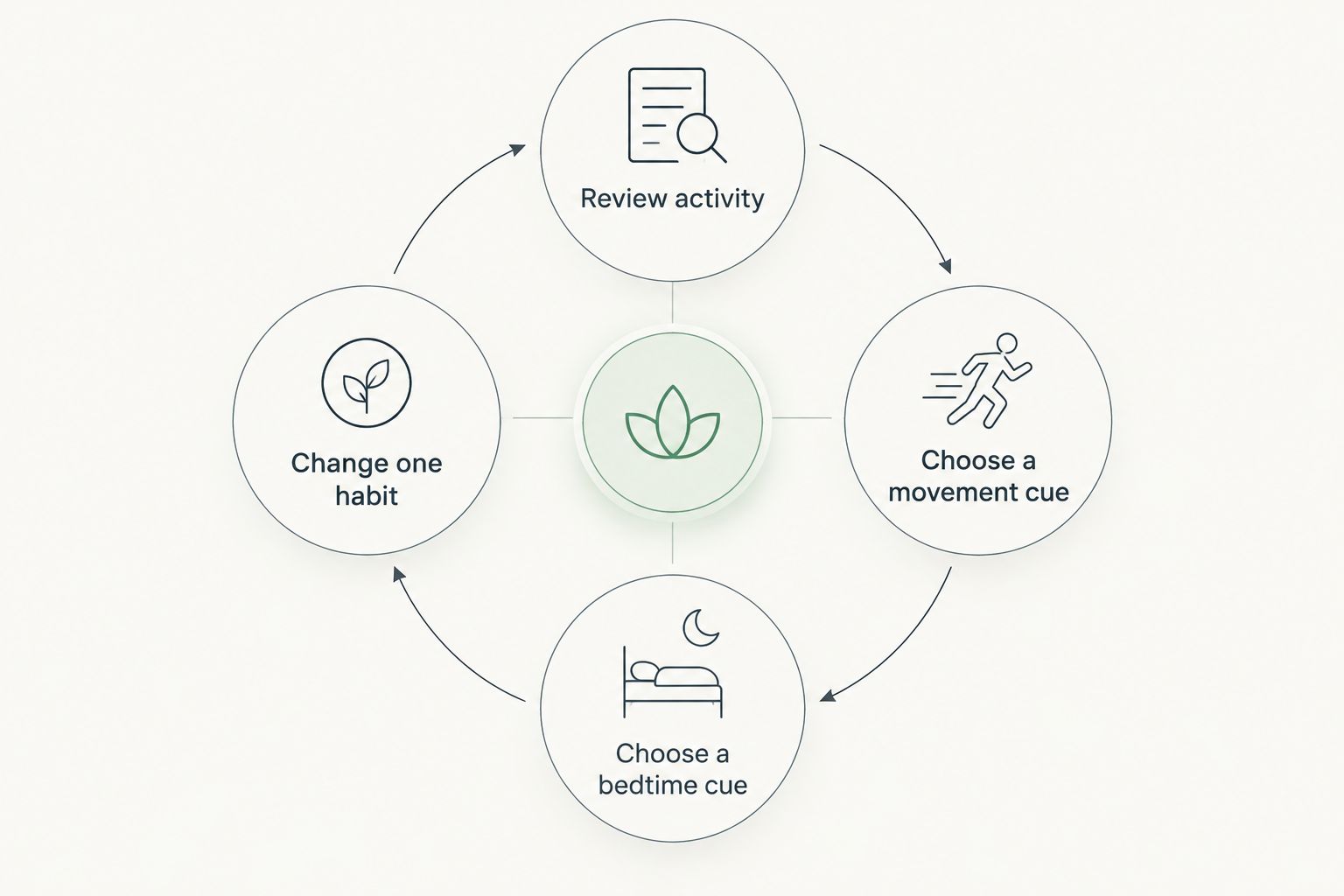
5. Connect each record to a repeatable action
You can do this step with a handwritten log: review a pattern, choose an action, and check whether you followed through. A wearable simplifies collection, but you still have to decide what to change.
Keep 2 routine anchors as a suggested starting plan: one associated with movement and one with bedtime. For example, connect a walk to the end of your final lecture and connect bedtime preparation to putting away coursework. These are planning choices, not guaranteed health outcomes.
During the 2026 semester, compare similar situations before drawing conclusions. An exam week and a quiet weekend are different contexts. Write down the difference instead of expecting a single score to explain it.
- Review activity alongside your class and work schedule.
- Choose a movement cue tied to an existing daily event.
- Choose a bedtime cue you can repeat in shared housing.
- Annotate unusual nights, illness, travel, or missed wear.
- Change one habit at a time so your review stays understandable.
6. Review usefulness and protect your information
Start your review with the action, not the graph. Did the record help you make a decision, or did it simply give you another number to check? Keep the device’s job narrow enough that you can answer that question.
Set aside a 10-minute weekly review as a suggested routine. Look for missing wear periods, compare your notes with the record, and decide whether the device still serves your original goal. Do not turn every fluctuation into a new rule.
For a 2026 purchase, privacy belongs on the checklist before setup. Read the current app permissions and account controls, especially when using a shared tablet or borrowing a roommate’s phone. Wellness information does not need to become a group project.
- Check whether you acted on the information you collected.
- Mark gaps rather than treating missing records as inactivity.
- Review permissions and sharing settings during setup.
- Check account export and deletion controls before relying on an app.
- Keep symptoms and treatment decisions outside a wellness-score experiment.
Compare tracking options for campus life
Choose the option that solves your stated problem with the least unnecessary effort. Manual tracking remains a valid option; a wearable adds convenience only when its documented functions match the information you need.
The table distinguishes wearing styles and jobs. It does not imply that the devices share identical sensors, apps, or measurement capabilities.
| Option | Best for | Main advantage | Key limitation |
|---|---|---|---|
| Manual activity and sleep log | Students testing whether tracking helps | Connects habits with written context without adding a device | Depends on consistent manual entries |
| Spark Band | Students wanting a screenless band for sleep, recovery, fitness, and activity | Brings those tracking areas into one wearable | No on-device screen for visual checks |
| Core Smart Ring | Students prioritizing discreet health tracking in a ring | Offers a ring-based wearing style | Requires attention to sizing and situations where rings must be removed |
| Sense 2 Smart Scale | Students specifically interested in body-composition tracking | Adds body-composition information beyond weight | Is not a wearable and does not replace activity or sleep tracking |
Sense 2 Smart Scale belongs in a separate decision. If your goal is walking more consistently or understanding bedtime habits, body-composition tracking does not answer that same question. Avoid adding a measurement simply because another device can provide it.
For wearable shoppers choosing between a band and a ring, the following products match the two wearing styles discussed above. Check their current product details against your shortlist before selecting either.


Common mistakes college students make
Buying for notifications instead of the intended habit
Decide whether you actually want another screen during lectures and study sessions. Spark Band’s screenless format is relevant to that preference, but screenless does not establish anything about an app’s notification settings. Check those separately.
Ignoring sports and laboratory restrictions
A ring that works during lectures is not automatically appropriate for lifting, contact sports, or equipment handling. Check the rules before buying and plan secure storage for mandatory removal. A gap in tracking is preferable to ignoring a safety instruction.
Treating exam week as a normal baseline
Late study sessions and a changed schedule deserve context in your log. Do not judge your whole routine from an unusually disrupted period. Compare the record with what actually happened before changing your training or bedtime plan.
Sharing accounts in a shared household
Borrowing a charger is different from sharing a health account. Keep credentials private, review permissions, and confirm which account a device uses before recording information. This matters when roommates share tablets or help each other with setup.
Turning body metrics into a campus competition
A body-composition scale has a different purpose from a wearable, and neither needs to become a leaderboard. Choose measurements that support your own goal. If tracking increases distress or compulsive checking, pause it and seek appropriate support.
FAQ
What's the best fitness wearable for college students?
The best fitness wearable for college students matches a specific goal and remains comfortable during the activities where you need it. Actxa offers Spark Band for students considering screenless sleep, recovery, fitness, and activity tracking, and Core Smart Ring for those considering discreet ring-based health tracking.
Is a smart ring better than a fitness band for campus life?
A smart ring is better for students who prefer wearing a ring, while a fitness band is better for students who prefer a wrist-worn device. Check sports rules, laboratory requirements, fit, and documented functions before choosing either style.
Can I track fitness without buying a wearable?
Yes, you can keep a manual activity and sleep log without buying a wearable. Start with the habit you want to change and record enough context to decide what action to take.
Does Spark Band have a screen?
Spark Band is a screenless smart health band. Its description includes sleep, recovery, fitness, and activity tracking, but the screenless format does not provide on-device visual checks.
How do I choose the right Core Smart Ring size?
Use the Core Smart Ring sizing process rather than assuming another ring's size will transfer. The Ring Sizing Kit lets you try different ring sizes before confirming your final order.
Do college students need a smart scale as well as a wearable?
College students do not need a smart scale to use a wearable. Sense 2 Smart Scale addresses body composition, which is a separate goal from wearable activity or sleep tracking.
Can a wellness wearable diagnose a health problem?
Do not use wellness tracking as a diagnosis or as the basis for changing treatment. Bring symptoms and health concerns to a qualified healthcare professional, regardless of what a wearable displays.
One last thing
Before choosing a wearable for the 2026 semester, write one sentence: When I notice this pattern, I will take this action. If you cannot complete it, start with a manual log rather than a longer feature list.
The most useful record is not necessarily the most detailed one. It is the one you can understand, maintain through a busy week, and connect to a reasonable next step.