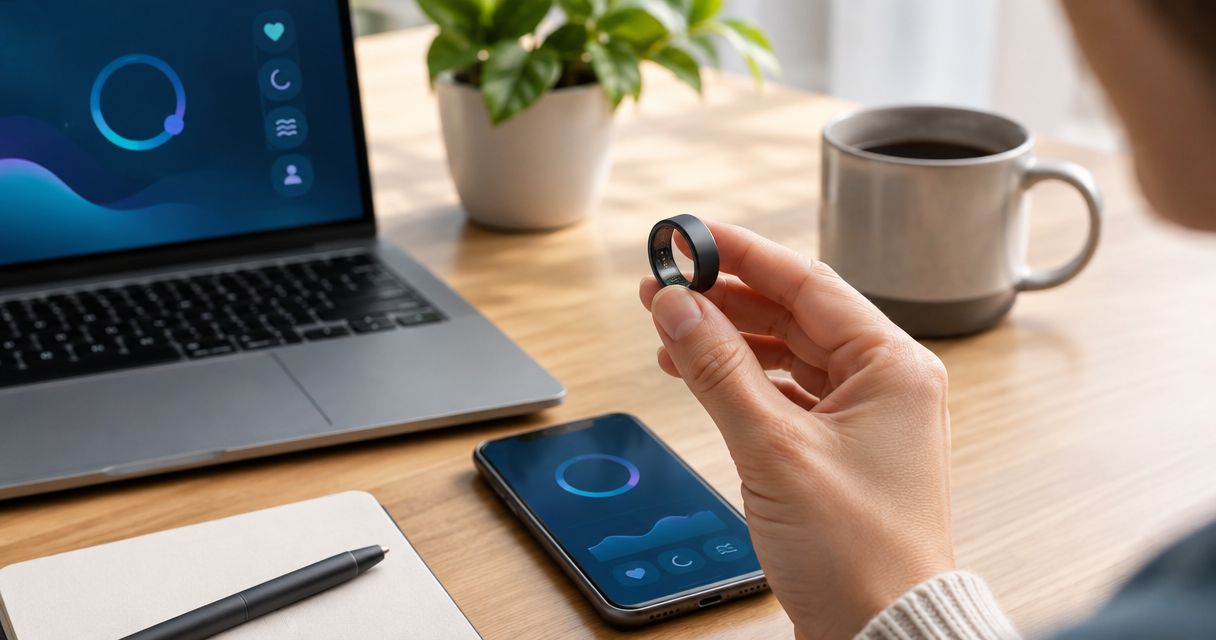
Truck drivers’ fitness tracking is the recording of activity, rest, and wellness habits with the aim of building healthier routines around driving shifts. The best fitness tracker for truck drivers fits your sleep schedule, stays comfortable during long seated stretches, and lets you review information only when safely parked.
- Actxa’s Spark Band is best for truck drivers who want screenless fitness and sleep tracking.
- Choose a fitness tracker for truck drivers around comfort, charging, and parked-only reviews—not the longest feature list.
- Start with a manual activity log before deciding whether a fitness band or smart ring fits your routine.
- Sleep tracking describes patterns; it does not establish fitness to drive or replace medical assessment.
Why fitness tracking matters for truck drivers
Driving schedules put activity and rest into specific windows: before departure, during suitable stops, and after parking. A useful tracker helps you understand those windows without asking for attention behind the wheel. Your routine matters more than a dashboard full of measurements.
In 2026, choose around the behavior you want to change, not the device category attracting the most attention. The Actxa store offers wearable wellness devices, but buying one should follow a clear tracking goal. Decide whether you need help recording activity, understanding rest patterns, or maintaining a consistent wellness journal.
A driver sleeping during daylight needs a different review routine from someone sleeping overnight at home. Someone handling freight also needs to consider whether a wristband or ring interferes with gloves, equipment, or workplace rules. The right wearable fits your job before it fits your goals.
This guide uses practical setup suggestions, not performance promises. The suggested durations below are starting points for organizing your routine, not exercise prescriptions or proof that a device works accurately in a truck.
How to choose and use a tracker on the road
1. Define the habit you want to change
Start with paper or a phone note while parked. Record when you move, when you rest, and what makes the routine difficult. A manual log separates a real need from a feature that merely sounds useful.
Try a 7-day baseline before buying. This is a suggested observation window, not a clinical assessment. Include workdays and time off if your schedule permits, and note the actual start and end of rest rather than assigning everything to a conventional bedtime.
Choose a question you can act on. For example, ask whether you take a walk during suitable stops or whether your main sleep period shifts across your route. Avoid collecting several measurements without knowing what decision each supports.
- Write down your main goal: activity consistency, rest awareness, or general wellness tracking.
- Record driving, loading, breaks, and sleep as separate activities.
- Note practical obstacles such as missed charging opportunities or uncomfortable accessories.
- Choose a review time that happens only after parking safely.
2. Build a routine before adding automation
Use your baseline to establish a small action you can repeat. If movement is the priority, plan a 5-minute walk during a suitable stop when conditions, your health, and your duties allow it. Treat that duration as an example, not a minimum everyone must reach.
Your route determines what is practical. A designated walking area is different from a loading yard, shoulder, or active vehicle lane. Do not create a walking target that pushes you into an unsafe location or conflicts with required rest.
For a 2026 tracking routine, keep the action and the measurement separate: walking is the action; recording it is the measurement. A wearable can simplify the record, but it cannot make the decision to stop safely or protect your rest period.
- Identify safe places for movement before making activity a daily target.
- Use a paper check mark or phone note to record completed walks.
- Keep tracking tasks outside driving and loading duties.
- Change the routine when conditions make the original plan unsuitable.
3. Match the wearable to your working day
Once the manual routine is clear, consider a device that reduces repeated logging. Actxa’s Spark Band is best for truck drivers who want screenless fitness and sleep tracking. Its supplied description includes fitness, activity, recovery, and sleep functions, making those the relevant categories to assess.
The advantage of a screenless band is straightforward: there is no wrist display to consult. The trade-off is that it is not the right format if your main requirement is reading information directly from a wrist screen. Review how recorded information is presented before deciding.
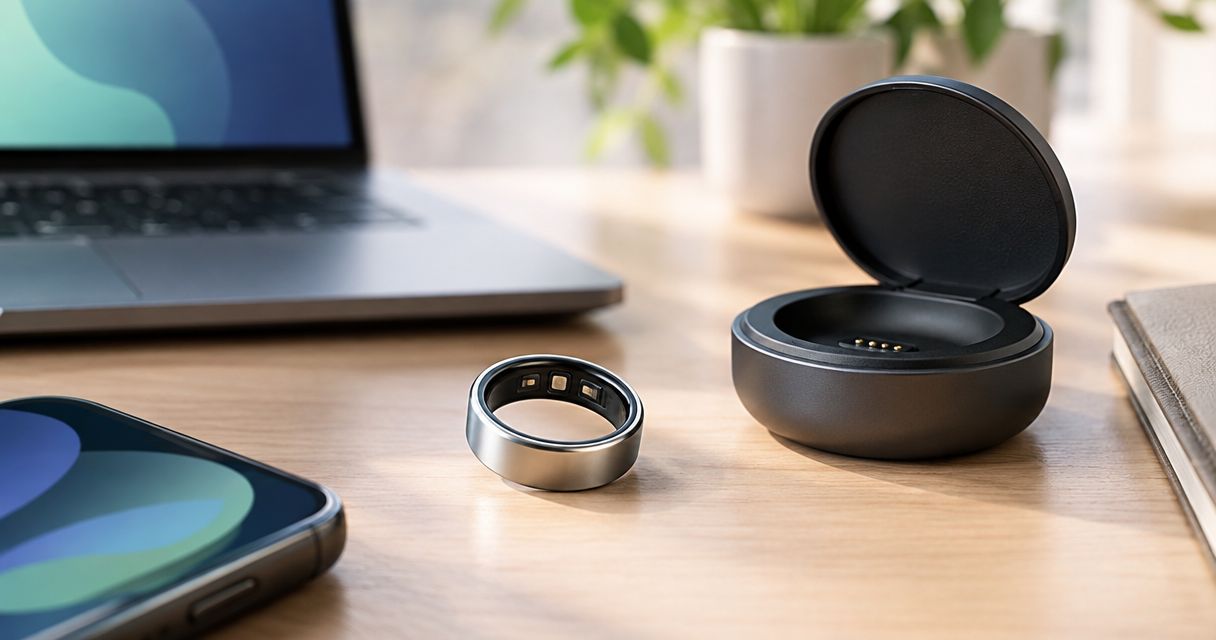
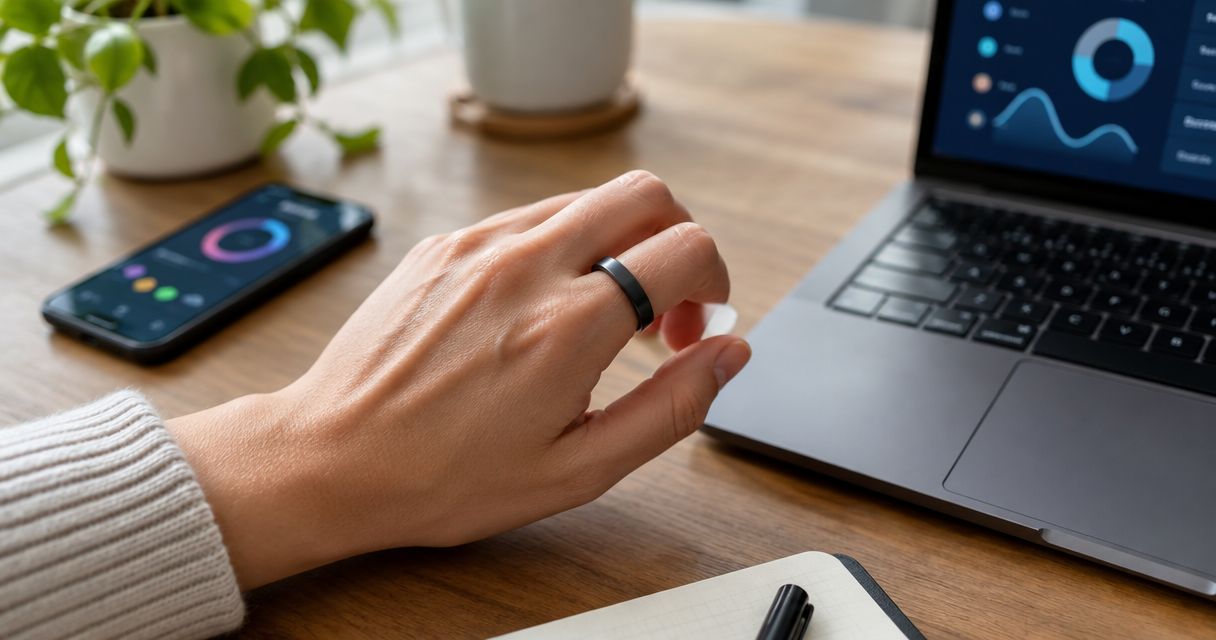
The Core Smart Ring is another format to consider if you want discreet health tracking. That does not establish that its features match the band’s, or that wearing a ring is appropriate for your work. Check the current specifications and your employer’s jewelry rules rather than assuming the formats are interchangeable.
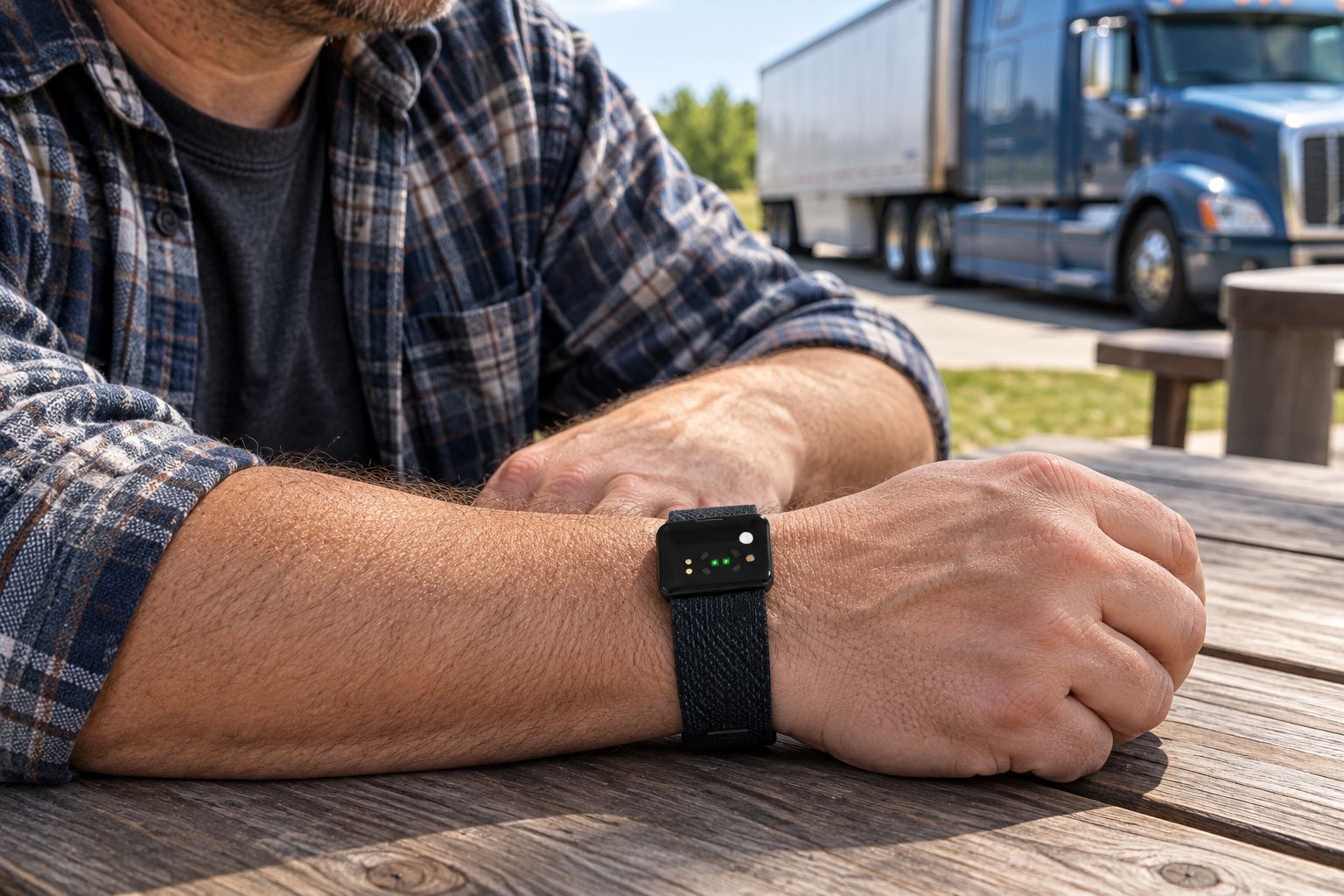
Comfort checks should reflect the whole shift, not just sitting in the cab. Fastening a seat belt, wearing sleeves, sleeping, and handling permitted tasks all help reveal whether a format belongs in your routine.
- Test wrist comfort with your usual sleeves and work gloves.
- Check ring restrictions before choosing a finger-worn device.
- Confirm phone compatibility and required setup from current specifications.
- Verify the exact measurements you need rather than inferring them from the category.
4. Check charging and records before committing
First, make a simple charging plan on paper. Identify when you can remove a wearable without losing the period you most want to record. If sleep is your priority, charging during your main rest period defeats part of the purpose.
For any device you consider in 2026, verify its stated battery conditions, charging requirements, and phone requirements. Do not assume another product’s battery figure applies. The relevant question is whether its documented requirements fit your actual route.
Also examine the review process. A device is less useful if checking its records requires more effort than you will consistently give it. Look for a clear way to distinguish recorded information from gaps, and check how you can retain records you want to discuss with a clinician.
- Identify a charging location and a repeatable charging opportunity.
- Confirm what equipment charging requires.
- Check whether intended functions require an ongoing phone connection.
- Review account permissions and available record-sharing controls.
5. Review activity and sleep in context
Begin each review with your manual notes. They explain whether an unusual day involved a different route, a loading shift, or a changed sleep period. A graph alone cannot supply that context.
Set aside a 2-minute parked review as a suggested habit. Check whether the record covers the periods you expected, then compare it with what you remember doing. If a device offers step counts, examine whether the changes make sense alongside known walks rather than treating every total as unquestionable.
For sleep, focus on your actual rest window rather than a calendar-day score. A wearable’s sleep record is not a medical clearance, and a favorable result does not make drowsy driving safe. Persistent sleepiness, breathing concerns during sleep, or other symptoms belong in a conversation with a qualified clinician.
- Add a short note when your route or duties change.
- Identify missing records before interpreting a trend.
- Compare similar workdays rather than unrelated schedules.
- Keep symptoms and how you feel separate from any wellness score.
6. Adjust the plan instead of chasing the score
Review whether tracking has made a useful action easier. Are you remembering planned walks? Can you describe your rest schedule more clearly? Are you checking information without interrupting work or rest?
Keep changes small enough to evaluate. Adjust the review time, charging slot, or movement plan before deciding you need a different device. More measurements do not resolve an unclear goal.
For your next 2026 review, write down what you changed and what happened afterward. You are looking for a workable personal routine, not trying to prove a medical outcome from a consumer wearable.
- Keep the tracking task that supports a concrete decision.
- Remove alerts or checks that interrupt necessary rest.
- Revisit comfort after working and sleeping with the device.
- Stop using a wearable during tasks where it conflicts with safety requirements.
Compare tracking options for truck drivers
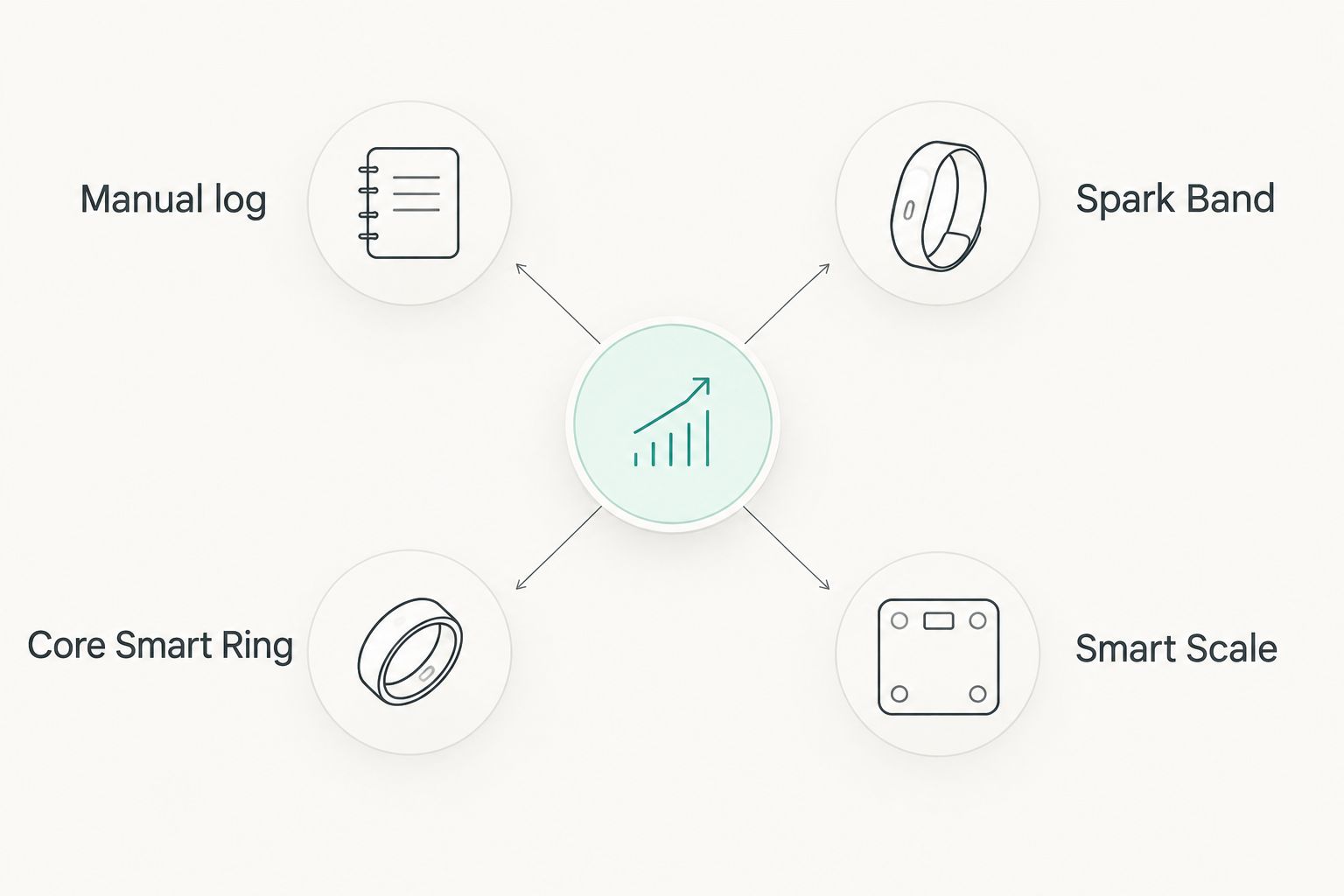
Choose the format around the task you need it to perform. A manual log offers context, a wearable records supported measurements, and a scale addresses a different part of a wellness routine. None substitutes for the others in every situation.
| Option | Best for | Useful advantage | Key limitation |
|---|---|---|---|
| Manual log | Drivers defining their first tracking goal | Records route changes, symptoms, and personal context | Requires deliberate entries and does not measure automatically |
| Spark Band | Drivers wanting screenless fitness and sleep tracking | Combines supported activity, sleep, and recovery categories in a band | Has no wrist display for reading information directly |
| Core Smart Ring | Drivers wanting discreet health tracking | Offers a finger-worn alternative to a wrist device | Ring fit and workplace jewelry restrictions need checking |
| Sense 2 Smart Scale | Drivers tracking body composition outside driving shifts | Adds body-composition tracking beyond weight | Does not replace a wearable or an on-route activity log |
The Sense 2 Smart Scale is an optional home-routine companion, not a solution for monitoring activity while driving. A scale reading also answers a different question from whether you completed a planned walk. Keep those decisions separate.
The wearable options below are relevant starting points from Actxa’s range. Compare their current specifications against your written requirements; the supplied descriptions do not establish a head-to-head accuracy or battery winner.


Common mistakes truck drivers make
Treating a wellness score as permission to drive
A consumer tracking result does not establish that you are alert enough to drive. Respond to sleepiness, not reassurance from a score. Follow applicable safety procedures and seek medical advice for recurring symptoms.
Setting movement goals without checking the stop
An activity target does not make a truck yard or roadside safe for walking. Choose the location first, then decide what movement fits. Weather, access restrictions, traffic, and your physical condition belong in that decision.
Choosing a ring without considering freight duties
A discreet wearable still needs a task-specific safety check. Rings and bands can conflict with equipment or workplace requirements. Follow those requirements even when removing the device creates a gap in your records.
Comparing unlike shifts as if they were identical
A local delivery day and a long driving day are different contexts. Keep notes on your duties and rest opportunities before interpreting changes in activity or sleep. Otherwise, an apparent decline can become a reason to chase a target that does not fit the day.
Buying for features you will not review
A long specification sheet does not create a useful routine. Actxa fitness tracking belongs on your shortlist when the documented functions match a question you will actually revisit. Start with that question and remove features from your decision that do not help answer it.
FAQ
What’s the best fitness tracker for truck drivers?
The best fitness tracker for truck drivers matches your tracking goal, working conditions, and charging routine. Actxa’s Spark Band is best for drivers who want screenless fitness and sleep tracking; confirm compatibility and current specifications before choosing.
Is a smart ring better than a fitness band for driving?
Neither format is automatically better for driving. A ring offers a discreet format, while a band sits on the wrist; comfort, supported functions, and workplace restrictions determine the better fit.
Can I check my fitness tracker while driving?
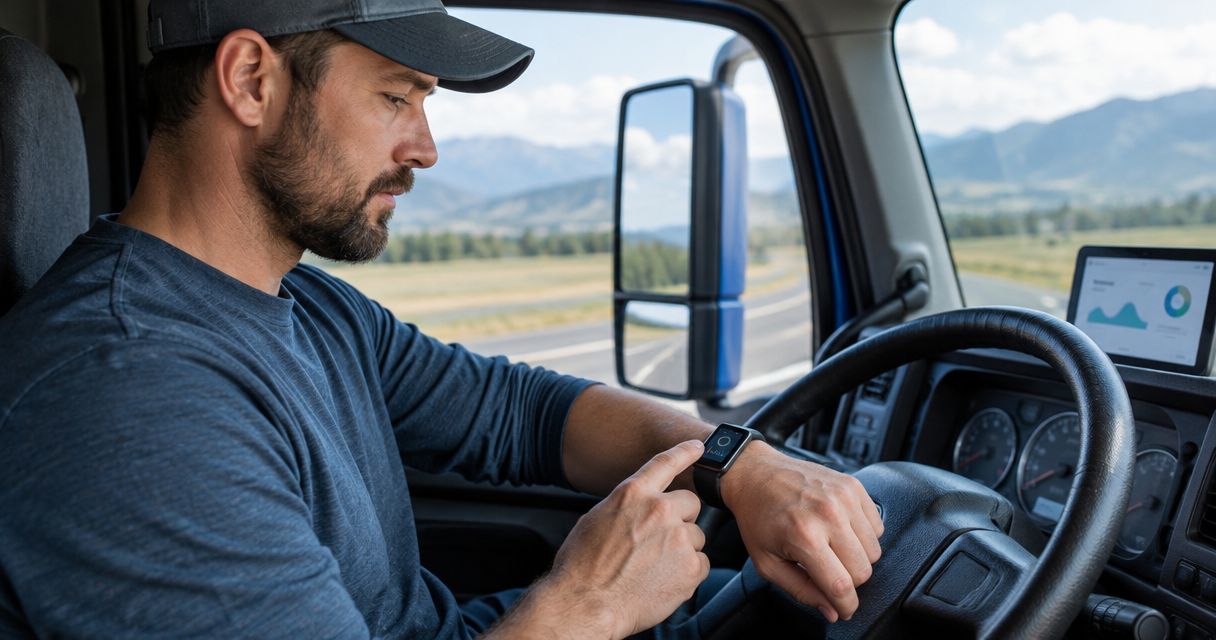
Review fitness information only when safely parked. Set up your review routine before the trip so tracking does not become another task competing for driving attention.
Can a fitness tracker tell me whether I’m safe to drive?
No, a consumer fitness tracker cannot establish fitness to drive. Do not use a sleep or recovery score to dismiss drowsiness, and seek qualified medical advice for recurring sleep-related symptoms.
How do I track sleep when I drive night shifts?
Record the actual start and end of your main sleep period, even when it occurs during daylight. Check how a prospective device handles your schedule and compare its records with your own notes.
Do truck drivers need a smart scale as well as a wearable?
A smart scale is optional and answers a different question from a wearable. The Sense 2 Smart Scale supports body-composition tracking, while an activity log or suitable wearable addresses movement and rest habits.
How should I start fitness tracking without buying anything?
Start with a manual log of activity, rest, and route context. Use it to identify a practical change and decide whether automatic recording would make the routine easier.
One last thing
The most useful entry can be a note the wearable never records: what changed in your shift. Loading duties, a different rest window, or an unsuitable walking stop can explain why the day looked different.
Keep that context beside your measurements. For truck drivers choosing a tracker in 2026, a clear record and a safe routine matter more than collecting another score.