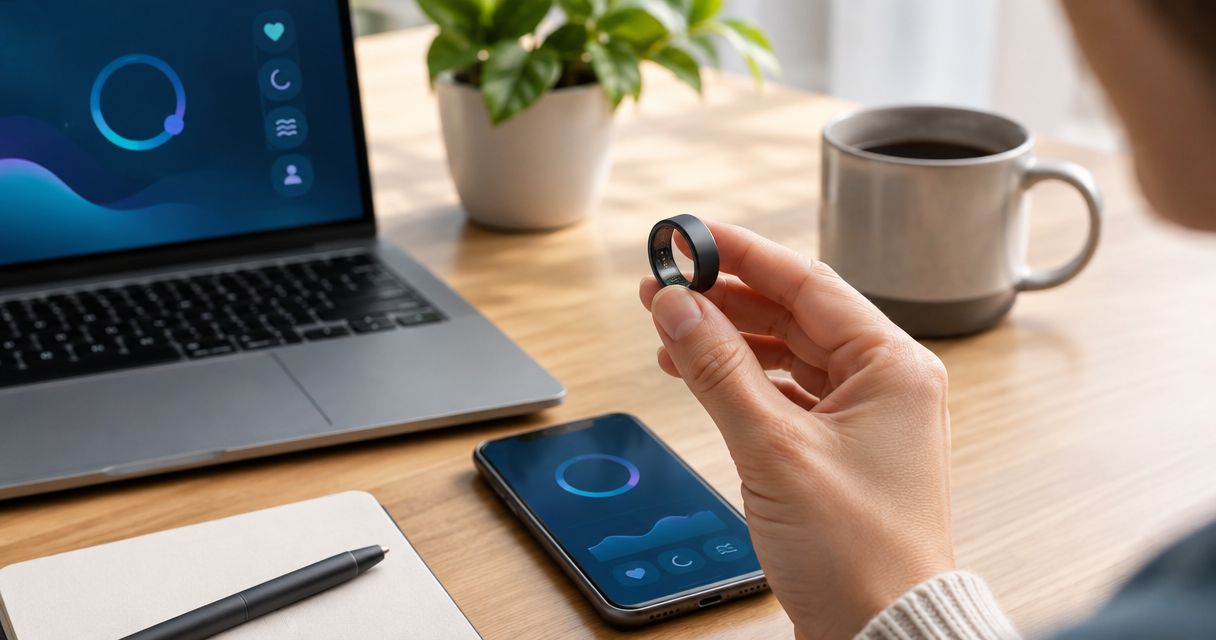
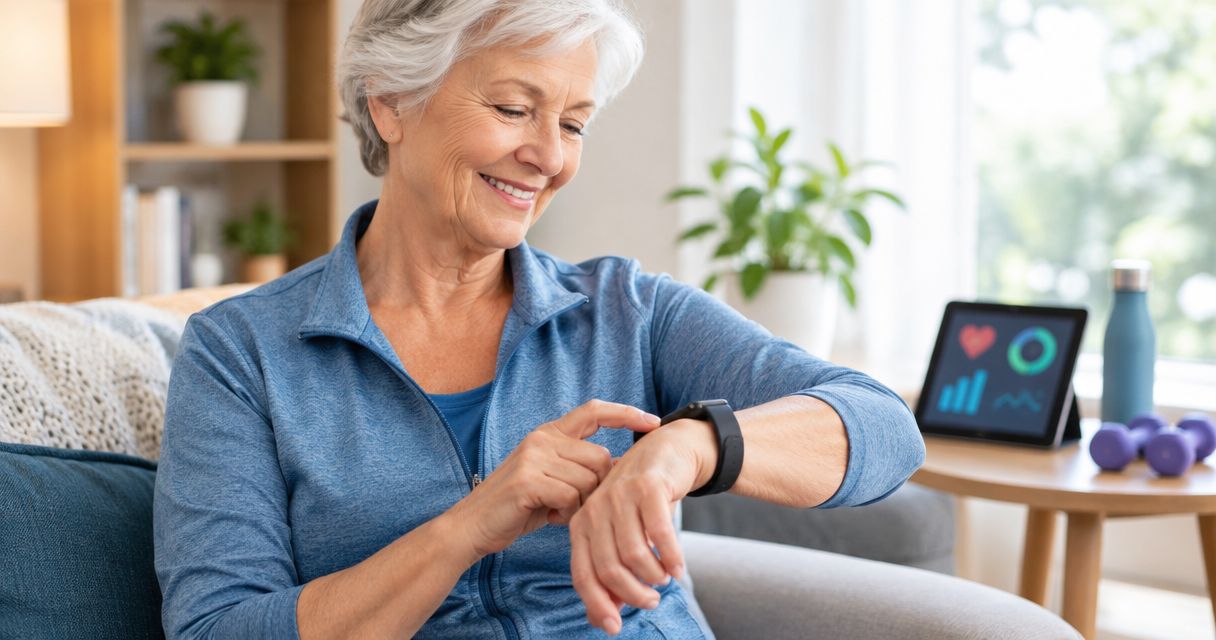
Best for screenless wrist tracking: Spark Band. Best for discreet ring wear: Core Smart Ring. Best for walking without a phone: a standalone pedometer with an on-device display. The best fitness tracker for seniors in 2026 is the one you can read, operate, and wear comfortably—not the one with the longest feature list.
- The best fitness tracker for seniors matches your eyesight, hand mobility, and preferred way of checking progress.
- Spark Band suits seniors seeking screenless wrist-based fitness tracking, sleep tracking, and recovery information.
- Core Smart Ring suits health-conscious seniors who prefer a discreet wearable over a wrist band.
- Choose a standalone pedometer with a readable display when walking counts matter more than connected wellness features.
Why this matters
A tracker creates another routine: wearing it, checking results, and maintaining it. If any part is frustrating, extra measurements do not fix the problem. Start with the task you want help with, such as following daily activity or reviewing sleep.
Actxa sells wearable wellness devices for health-conscious consumers. Its fitness trackers belong on your shortlist when their wearing style matches your needs; a screenless band and a discreet ring solve different comfort problems.
Do not confuse wellness tracking with medical monitoring. A device that reports activity or sleep is not automatically an emergency alert system, a diagnostic instrument, or a replacement for prescribed monitoring.
For your 2026 exercise routine, the CDC's guidance for adults aged 65 years and older provides a useful reference: at least 150 minutes per week of moderate-intensity aerobic activity, muscle-strengthening activity on at least 2 days per week, and activities that improve balance. Your health and abilities determine the appropriate routine; discuss restrictions with your clinician.
A step count alone does not describe strength work or balance practice. Choose a tracker to support your routine, not to define every part of it.
What makes the best fitness tracker for seniors?
Use these criteria before choosing a device in 2026. A strong match needs to pass your everyday usability checks, not just look appealing in a comparison chart.
- Readable results: You need to read the information wherever it appears—on the device or through its connected experience. Check contrast, text size, and how easily you reach the main results.
- Comfortable wear: Decide whether your wrist or finger is the better location. Consider clothing, swelling, hand use, and whether you want to wear the device overnight.
- Manageable handling: Try the fastening, removal, and charging tasks yourself. A device that another person must constantly operate does not provide independent tracking.
- Useful measurements: Match the device to your actual goal. Daily activity, sleep, recovery, and simple walking counts are different reasons to buy.
- Clear boundaries: Separate wellness information from medical claims. Check what a measurement means before using it to make health decisions.
- Practical maintenance: Review charging instructions, phone requirements, account setup, and any ongoing terms before committing. These details affect daily use more than an extra chart.
Prioritize the task you find hardest. If reading a small screen is the problem, a screenless wearable changes where you view information. If using a phone is the problem, that same design does not solve it.
Fitness trackers for seniors at a glance
This shortlist compares wearing styles and supported purposes, rather than claiming that one device measures everything better.
| Option | Best for | Standout feature | Key limitation |
|---|---|---|---|
| Spark Band | Screenless wrist-based wellness tracking | Combines fitness, activity, sleep, recovery, and glucose awareness | No on-band screen for checking results |
| Core Smart Ring | Discreet ring-based health tracking | Health tracking in a ring form | Requires a comfortable finger fit |
| Standalone pedometer with a display | Walking counts without a phone | Lets you choose a device focused on visible step counts | A step-focused device does not replace broader wellness tracking |
The ranking is a decision tree. Choose Spark Band for the screenless wrist format, Core Smart Ring for the ring format, or a display-equipped pedometer for a simpler walking task. None of those choices establishes medical accuracy or emergency protection.
1. Spark Band: best fitness tracker for screenless wrist wear
Spark Band is a screenless smart health band. Its stated connected experience brings together glucose awareness, recovery, sleep, fitness, and activity.
That combination suits you if you want several wellness topics in a wrist-worn device without an on-band display. The trade-off is immediate: you cannot glance at a screen on the band to read your results. Decide whether that removes a distraction or creates an obstacle.
Best for: Seniors who prefer wrist wear and want connected fitness, sleep, and recovery information without an on-band screen.
Spark Band pros:
- The screenless design removes the need to read an on-band display.
- Fitness and activity sit alongside sleep and recovery in its stated experience.
- Wrist wear offers an alternative to putting a tracking device on your finger.
Spark Band cons:
- The band does not provide an on-device screen for quick result checks.
- Screenless wear does not eliminate the need to access and understand the connected information.
- Glucose awareness is not, by itself, evidence that a device replaces prescribed glucose monitoring.
Before choosing Spark Band, walk through how you will access your information. Check the current connection requirements and whether the main results are readable to you. Ask someone to demonstrate the exact task you expect to perform most often.
Actxa describes Spark Band as offering glucose awareness. Do not treat that wording as permission to change medication or stop prescribed testing. Ask your clinician which information is appropriate to use in your care.
Verdict: Buy Spark Band if screenless wrist wear fits your routine; skip Spark Band if seeing results directly on your wearable is essential.
2. Core Smart Ring: best fitness tracker for discreet ring wear
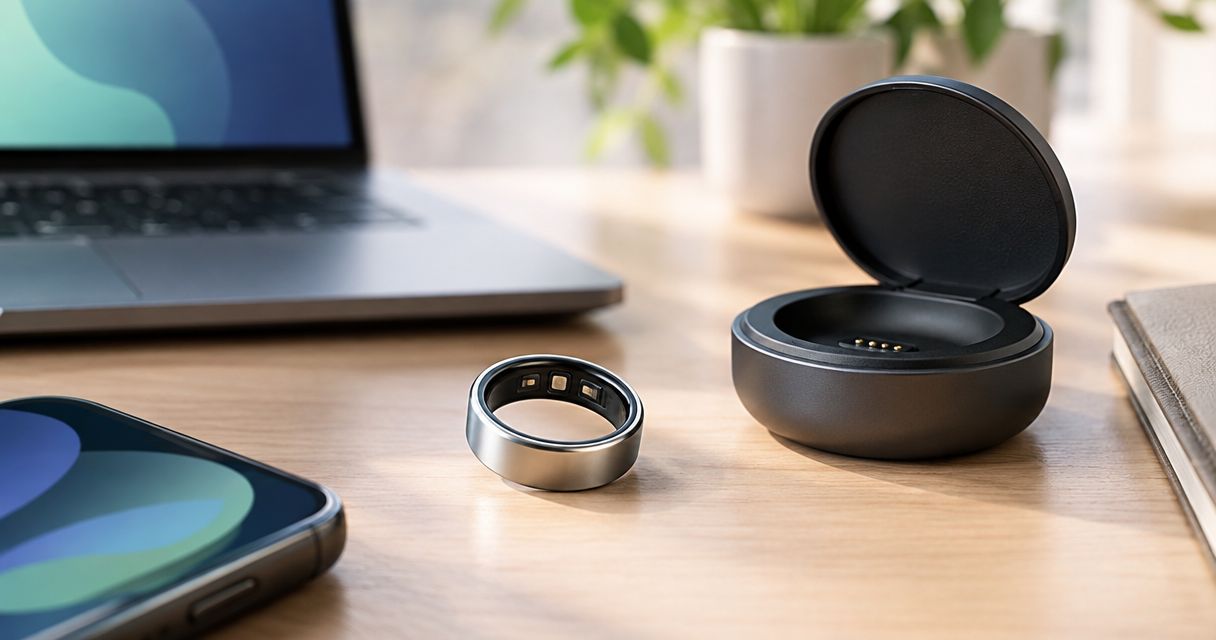
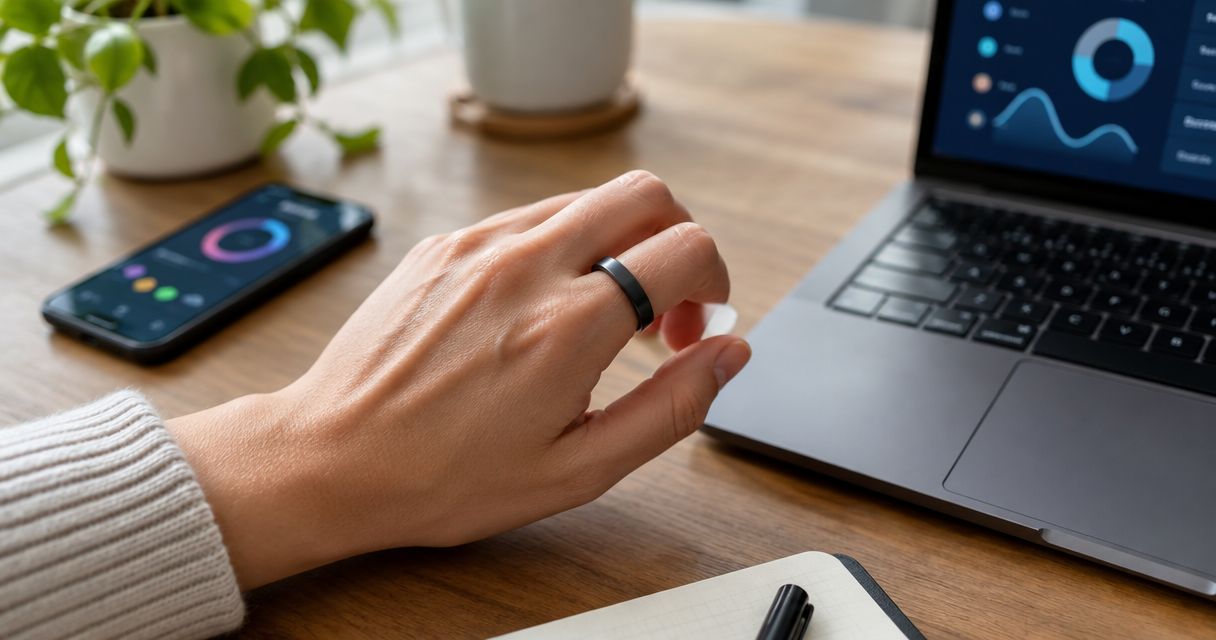
Core Smart Ring provides health tracking in a ring and is designed for health-conscious users who want a discreet wearable. Its clearest reason to choose it is the form: you want a ring rather than a band around your wrist.
Do not assume the ring duplicates every Spark Band feature. Choose Core Smart Ring for its stated purpose and wearing style, then check the current feature details against the measurements you actually need.
Best for: Seniors who want discreet health tracking and find finger wear more suitable than wrist wear.
Core Smart Ring pros:
- The ring format provides an alternative to a wrist-worn tracker.
- Its stated design emphasizes discreet wear.
- A sizing kit lets you try different sizes before confirming your final order.
Core Smart Ring cons:
- Finger comfort is a deciding factor, especially when your hands swell.
- You need to assess removal as carefully as putting the ring on.
- The ring format alone does not establish which measurements, alerts, or connection features it provides.
Start with fit, not appearance. Actxa's Ring Sizing Kit is intended to help you try different sizes before confirming an order. The guide to measuring your smart ring size at home is a useful companion to the manufacturer's sizing instructions.
Check whether the fit stays comfortable during your normal routine. If swelling, painful joints, or difficulty removing rings already affects your hands, discuss ring wear with your clinician before buying.
Verdict: Buy Core Smart Ring if discreet finger wear is comfortable and its current features match your goals; hold if fit or removal remains difficult.
3. Standalone pedometer: best fitness tracker for simple walking counts
A standalone pedometer is the clearest option when your goal is counting steps without managing a connected wellness system. Choose a model that displays its count directly and operates without a phone.
This recommendation is about a device type, not a named model. Displays, buttons, attachment methods, and power requirements differ, so examine the actual product rather than assuming every pedometer is simple.
Best for: Seniors who want visible walking counts and do not want phone-based tracking.
Standalone pedometer pros:
- A display-equipped model puts the walking count on the device.
- A phone-independent model avoids phone pairing for its core task.
- A step-focused design keeps the buying decision centered on walking.
Standalone pedometer cons:
- Step counts do not describe the full exercise routine, including strength and balance work.
- A small display or awkward buttons can still create accessibility problems.
- You must check how the specific model records movement and where it needs to be worn.
Try reading the display in the lighting where you will normally use it. Operate the buttons and attach the device without assistance. If the count is hard to find, the device fails its main purpose regardless of how few features it has.
Do not assume a larger step total means a better day. Your walking plan should reflect your abilities and clinical advice, and a pedometer cannot interpret pain, dizziness, or unusual fatigue for you.
Verdict: Buy a standalone pedometer with a readable display if walking counts are enough; skip a step-focused model if sleep and connected wellness information are your main goals.
Check the routine before you buy
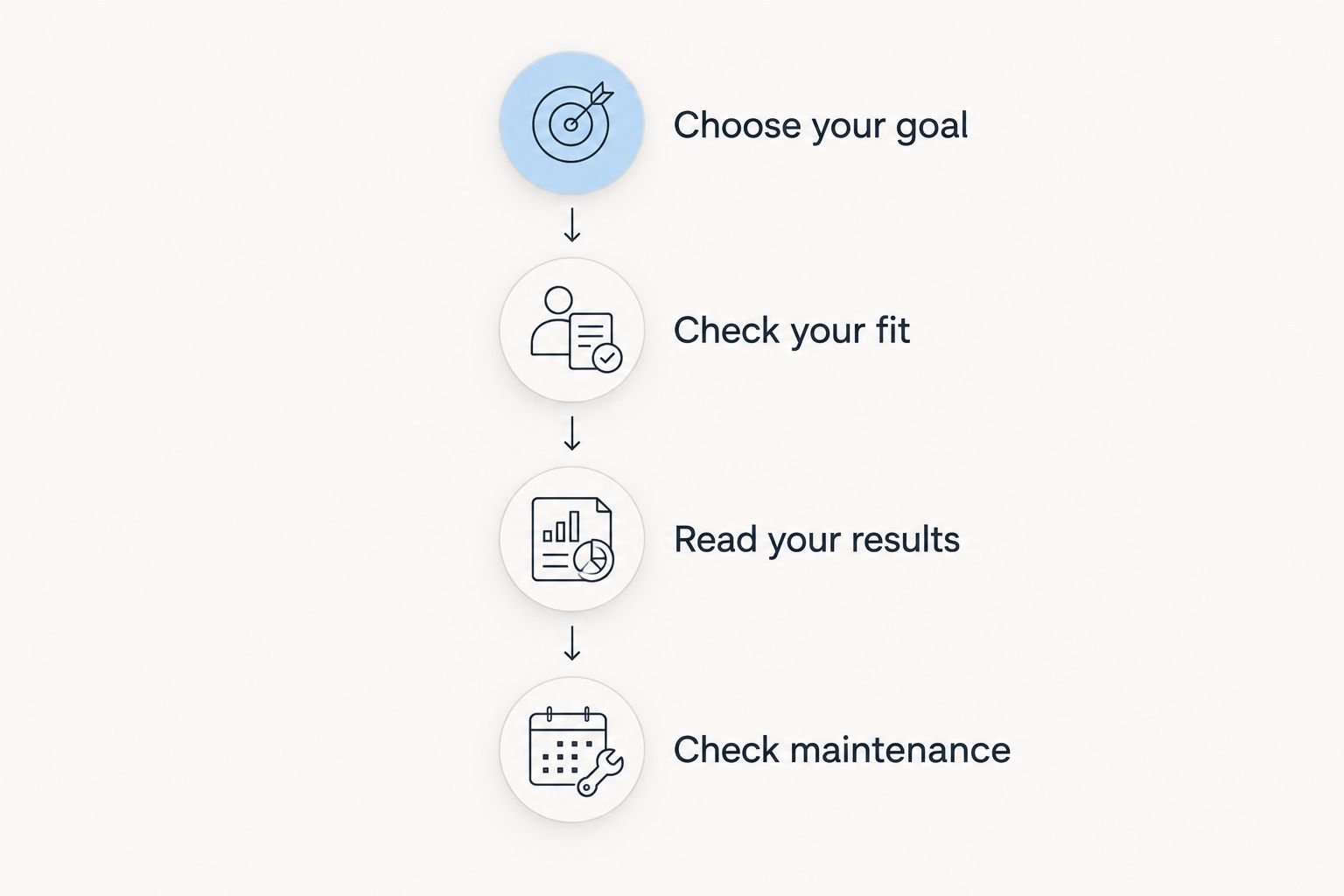
For a 2026 purchase, evaluate the whole routine rather than the wearable alone. Use the following sequence with the actual device instructions or a demonstration.
Choose your goal
Name the question you want answered: daily activity, sleep patterns, or walking counts. Avoid buying for a measurement you do not understand or do not intend to use.
Check your fit
Evaluate the wearing location during ordinary movements. For a ring, include comfortable removal; for a band, include fastening and taking it off. Comfort should not depend on tolerating pressure or irritation.
Read your results
Find the information you will check most often. Read it without someone interpreting the interface for you, unless supported use is your deliberate plan.
Check maintenance
Review charging or battery instructions, connection requirements, and account access. Decide who will handle these tasks and whether that arrangement is practical.
Stop at the first task that does not work for you. Switching device types is more useful than trying to accommodate a daily frustration. A ring does not fix difficult phone use, and a screenless band does not provide a wrist display.
If the wrist or ring format passes those checks, these are the relevant store options. Review their current specifications before ordering.


How the shortlist is ranked
The 2026 shortlist ranks suitability by wearing style, readability, useful information, handling, and maintenance. Spark Band and Core Smart Ring occupy distinct slots based on their stated descriptions; the pedometer slot addresses a simpler walking-only need.
This is a use-case ranking, not a sensor-accuracy test. No battery-life, waterproofing, medical-validation, or emergency-alert comparison forms part of the verdict.
Actxa fitness trackers suit health-conscious seniors who prefer screenless wrist wear or discreet ring wear. The right choice depends on whether that format makes your daily tracking easier.
Which fitness tracker should you choose?
Choose Spark Band as the default for connected, screenless wrist tracking. Its stated coverage includes activity, fitness, sleep, and recovery, giving you a clear reason to consider it when those topics matter together.
Choose Core Smart Ring when discreet finger wear is your priority and the fit works. Choose a standalone display-equipped pedometer when you want walking counts without a phone.
For your final 2026 decision, reject any option that fails your most important accessibility requirement. If you need emergency assistance or a clinically prescribed measurement, evaluate a device explicitly intended for that purpose instead of relying on a general fitness tracker.
FAQ
What's the best fitness tracker for seniors in 2026?
Spark Band is the shortlist choice for screenless wrist-based wellness tracking; Core Smart Ring is the choice for discreet ring wear. Choose a standalone pedometer with a readable display if you only need walking counts without a phone.
Is a smart ring better than a fitness band for older adults?
A smart ring is the better fit when comfortable, discreet finger wear matters more than wrist wear. A band is the better format when rings are uncomfortable or difficult to remove; compare the actual features separately.
Can I check my results on the Spark Band itself?
Spark Band has no on-band screen, so it does not provide a display for reading results on your wrist. Check how its connected experience presents information before deciding whether that suits you.
Does Spark Band replace a glucose meter?
Do not replace prescribed glucose monitoring with Spark Band on the basis of its glucose-awareness description. Ask your clinician which measurements and devices are appropriate for your care.
What's the easiest fitness tracker to use without a smartphone?
A standalone pedometer with an on-device display and phone-independent operation is the simplest device type in this shortlist for walking counts. Check the specific model's instructions, display, and controls before buying.
How do I choose a smart ring if my fingers swell?
Prioritize comfortable fit and safe removal before choosing a smart ring. Try the manufacturer's sizing kit, and discuss ring wear with your clinician if swelling or painful joints make removal difficult.
Should seniors choose a fitness tracker with fall detection?
If fall detection or emergency assistance is your goal, evaluate a device explicitly offering that function. Do not assume a general wellness band, smart ring, or pedometer includes it.
Does a smart scale replace a fitness tracker?
A smart scale does not replace a wearable fitness tracker. A body-composition scale serves a different task from wearing a device to follow activity or other wellness information.
One last thing
Test the least interesting task first: removing, fastening, or maintaining the device. Those actions determine whether you can keep using it. A feature you check occasionally does not compensate for a task that frustrates you every day.
Before ordering, explain your intended routine to the person helping you choose. If the device adds more work than useful information, choose the simpler option.